63 22 726 D3561
D3561.201.01.03.02 05.2012
163
Sirona Dental Systems GmbH 4 Operation
Operating Instructions SINIUS / SINIUS CS 4.13 Configuration of the treatment center (setup)
båÖäáëÜ
Changing setup program page
Changing setup program page
➢ Change to the next setup program page.
4.13.4.10
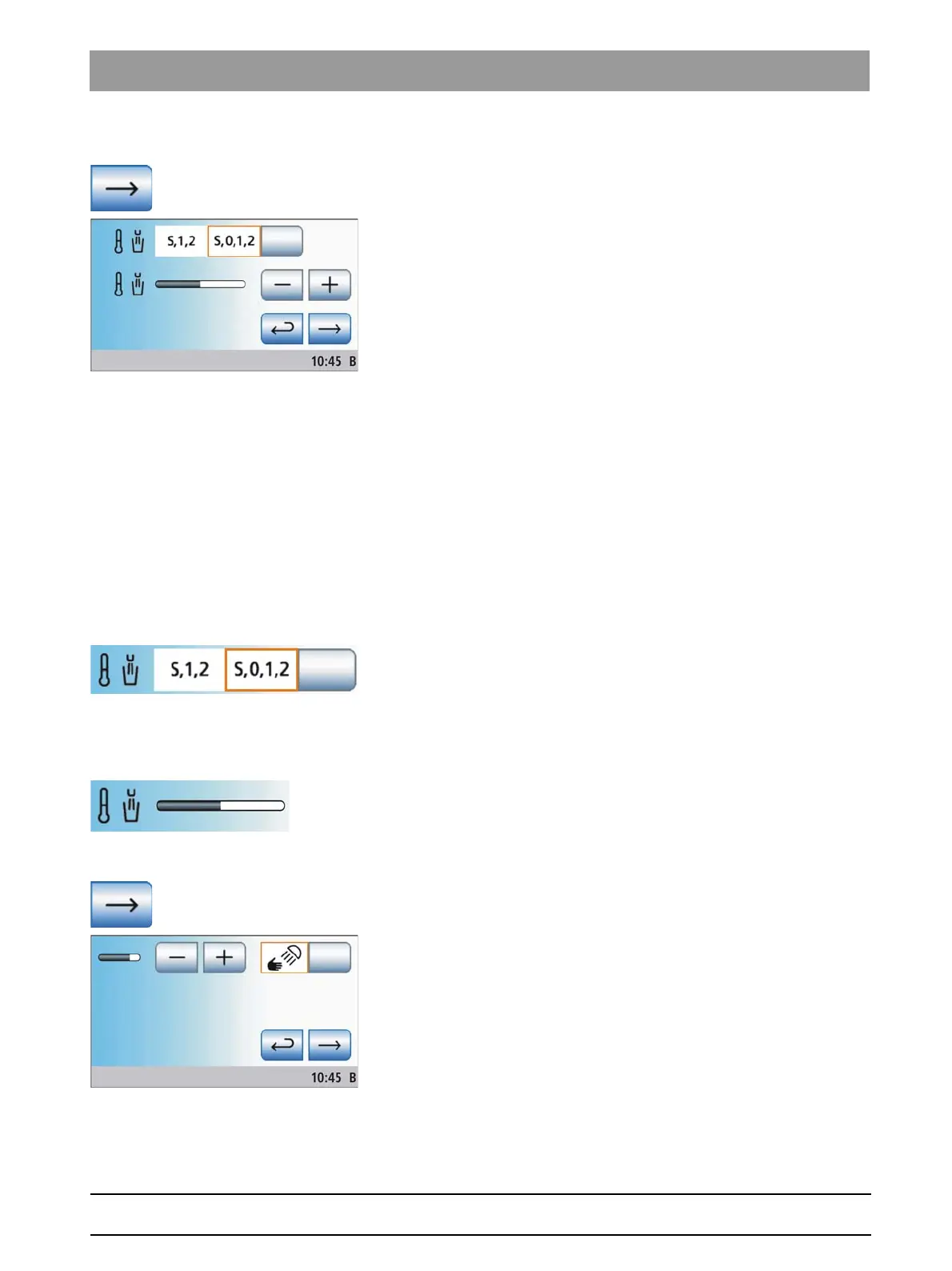
Linking the tumbler heater to the chair program
Linking the tumbler hea ter to the chair p rogram
A setting can be made so thatthe tumbler heater automatically switches
off when the entry/exit position (0) chair program is activated. The tumbler
heater switches back on as soon as the patient chair leaves the entry/exit
position. This makes it possible for the patient to drink cold water during
waiting periods and to save energy.
● Field 1: The tumbler heater is switched off in the chair program entry/
exit position (0).
● Field 2: The tumbler heater remains switched on in every chair
program.
➢ Touch the
Tumbler heater
key.
The selected field is highlighted orange.
4.13.4.11
Adjusting the temperature of the tumbler heater
Adjusting the temperature of the tumbler heater
The water temperature for the tumbler filling can be adjusted.
➢ Use the – and + keys to set the intensity of water heating using
tumbling heater.
Changing setup program page
Changing setup program page
➢ Change to the next setup program page.















 To Next Page