63 22 726 D3561
148 D3561.201.01.03.02 05.2012
4 Operation Sirona Dental Systems GmbH
4.11 SIVISION digital video system Operating Instructions SINIUS / SINIUS CS
Removing the intraoral camera
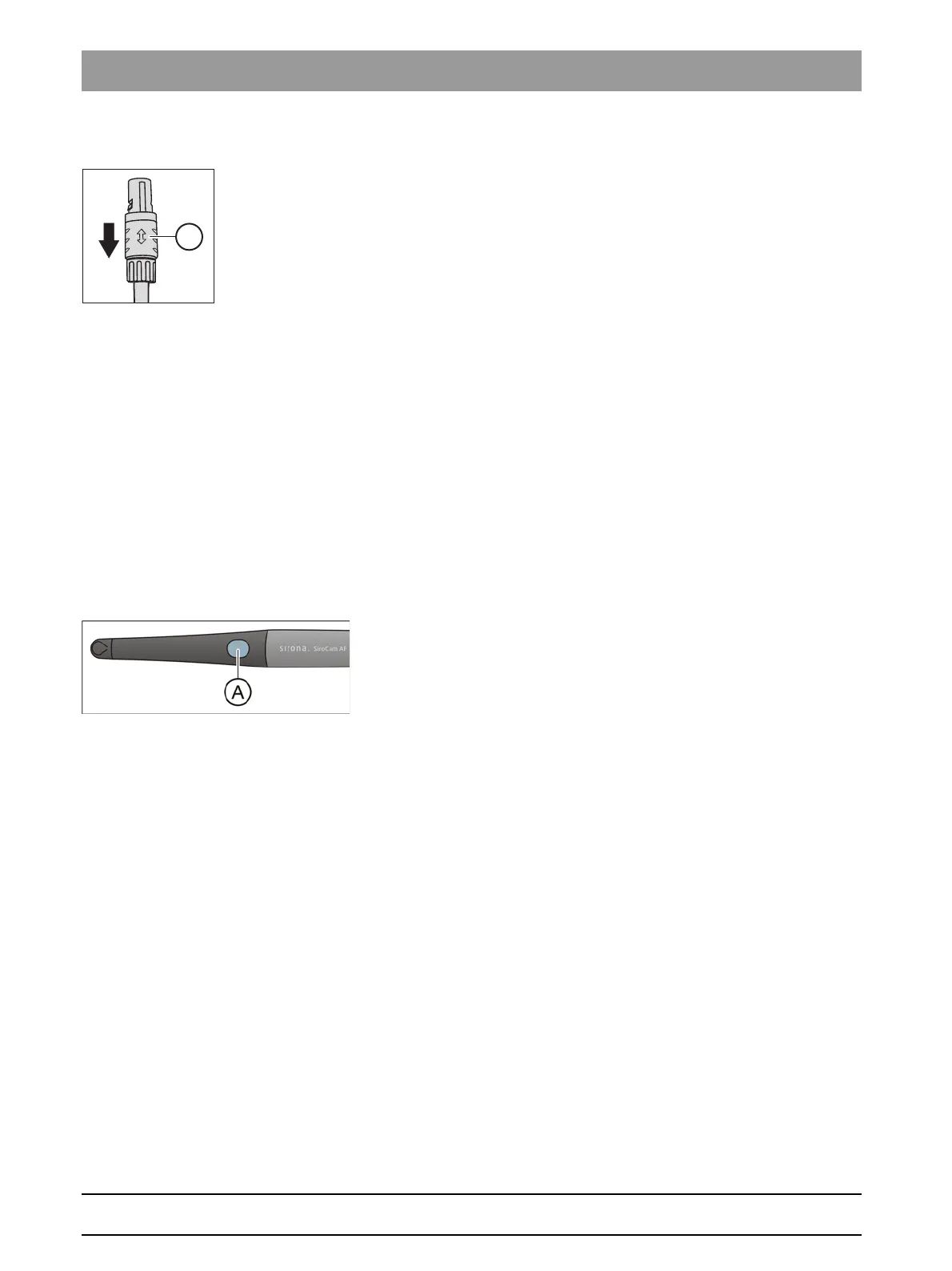
The plug of the intraoral camera is secured against unintentional removal.
➢ Grasp the plug by its locking devices A and pull this out without tilting,
if possible.
4.11.2.4
Operating SIROCAM AF intraoral camera
Operating SIROCAM AF i ntraoral camera
The treatment center must be connected to an external or internal PC in
order to display the video images acquired by the SiroCam AF intraoral
camera on the SIVISION monitor. SIDEXIS or SI Video can be used as a
PC video application.
For details please refer to the chapter "External / internal PC" [ → 152].
4.11.2.4.1
Focusing SIROCAM AF intraoral camera
Focusing SIROCAM AF intraoral camera
The SIROCAM AF intraoral camera adjusts the image sharpness by
means of a button. It is focused continuously.
1. Direct the camera toward the subject to be acquired.
The image is displayed on the SIVISION monitor.
2. Press the
Auto focus
key A.
The intraoral camera adjusts the image focus according to the
distance from the subject to be acquired. The adjustment
remains until the key is pressed again.















 To Next Page