63 22 726 D3561
166 D3561.201.01.03.02 05.2012
4 Operation Sirona Dental Systems GmbH
4.13 Configuration of the treatment center (setup) Operating Instructions SINIUS / SINIUS CS
4.13.5.3
Showing/hiding the external HF unit adjustment key
Showing/hidin g the external HF unit adjustment key
External HF units may disturb the treatment center and the SIVISION
monitor. It is therefore possible to hide the
External HF units
key in the
Start
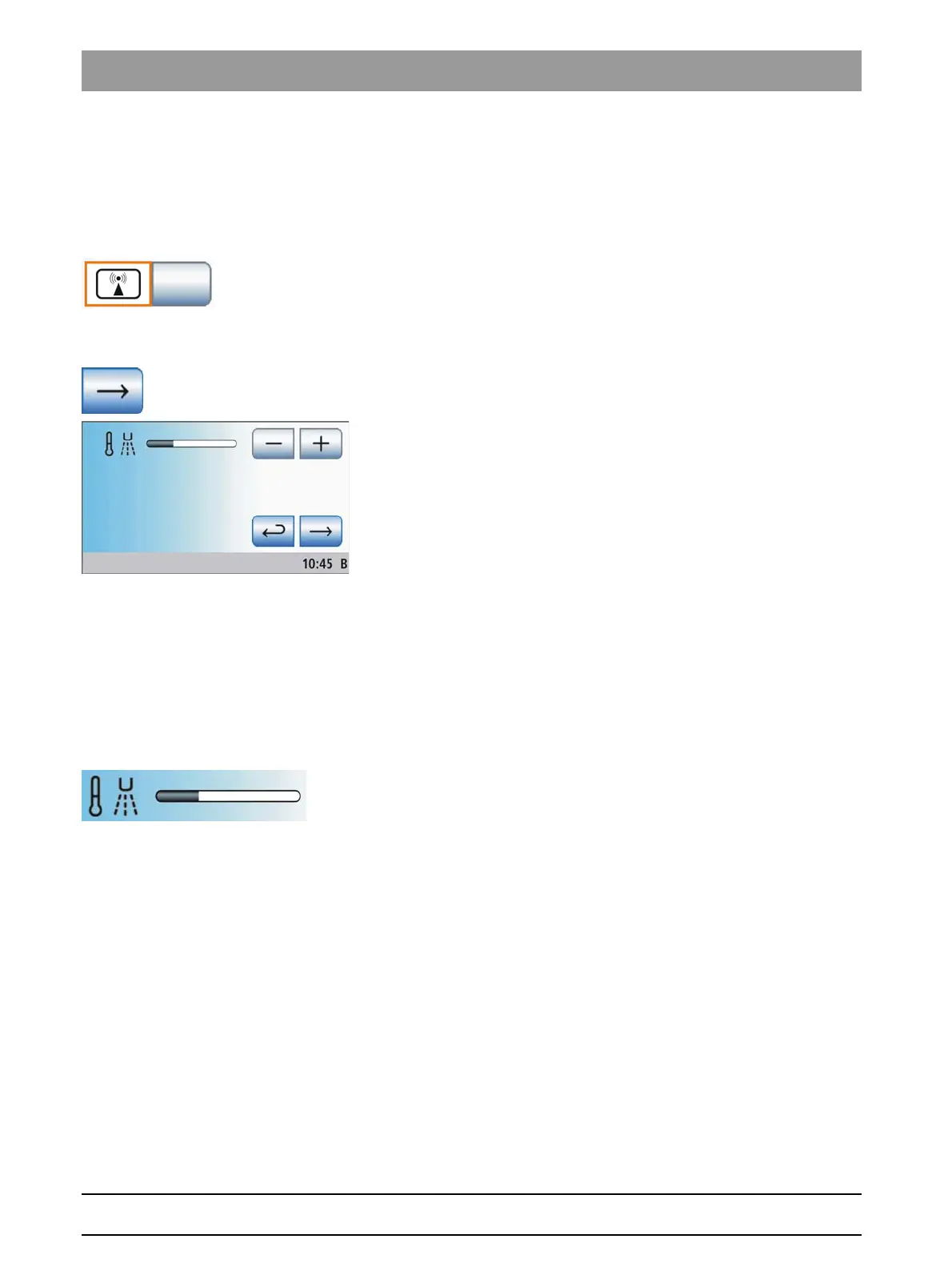
sub-screen. If the key in the sub-screen is highlighted in orange, the
treatment center is protected from interferences by HF fields.
➢ Touch the
External HF unit
key.
If the key is highlighted orange, the
External HF unit
key is
displayed in the
Start
sub-screen.
Changing setup program page
Changing setup program page
➢ Change to the next setup program page.
4.13.5.4
Setting the spray temperature
Setting the spray temperature
The spray temperature of instruments on the dentist element except for
the SPRAYVIT multifunctional syringe can be adjusted.
HYBRID reference
The spray temperature of the SPRAYVIT M multifunctional syringe can
be adjusted separately, see "Setting the media temperature and
instrument light" [ → 108].
➢ Use the – and + keys to set the spray temperature.















 To Next Page