63 22 726 D3561
144 D3561.201.01.03.02 05.2012
4 Operation Sirona Dental Systems GmbH
4.11 SIVISION digital video system Operating Instructions SINIUS / SINIUS CS
4.11
SIVISION digital video system
SIVISION digital video system
The SIVISION digital video system enables the acquisition of intraoral
and extraoral images. The SiroCam AF intraoral camera generates digital
image data which can be transmitted via a USB 2.0 port (high-speed
Universal Serial Bus) to a connected PC and stored there. This can then
show the images on the SIVISION monitor of the treatment center.
The video images represent an outstanding possibility for improving
patient communication.
Video system, not suitable for diagnosis
The SIVISION connect and/or SIUCOM plus application must be installed
in order to transmit the camera images to the PC. SIUCOM plus enables
PC control. Furthermore, a video application, e.g. SIDEXIS XG and/or SI
Video, must be installed on the PC in order to display the camera images.
For details, refer to the manual "Installation and Configuration of SIUCOM
plus”.
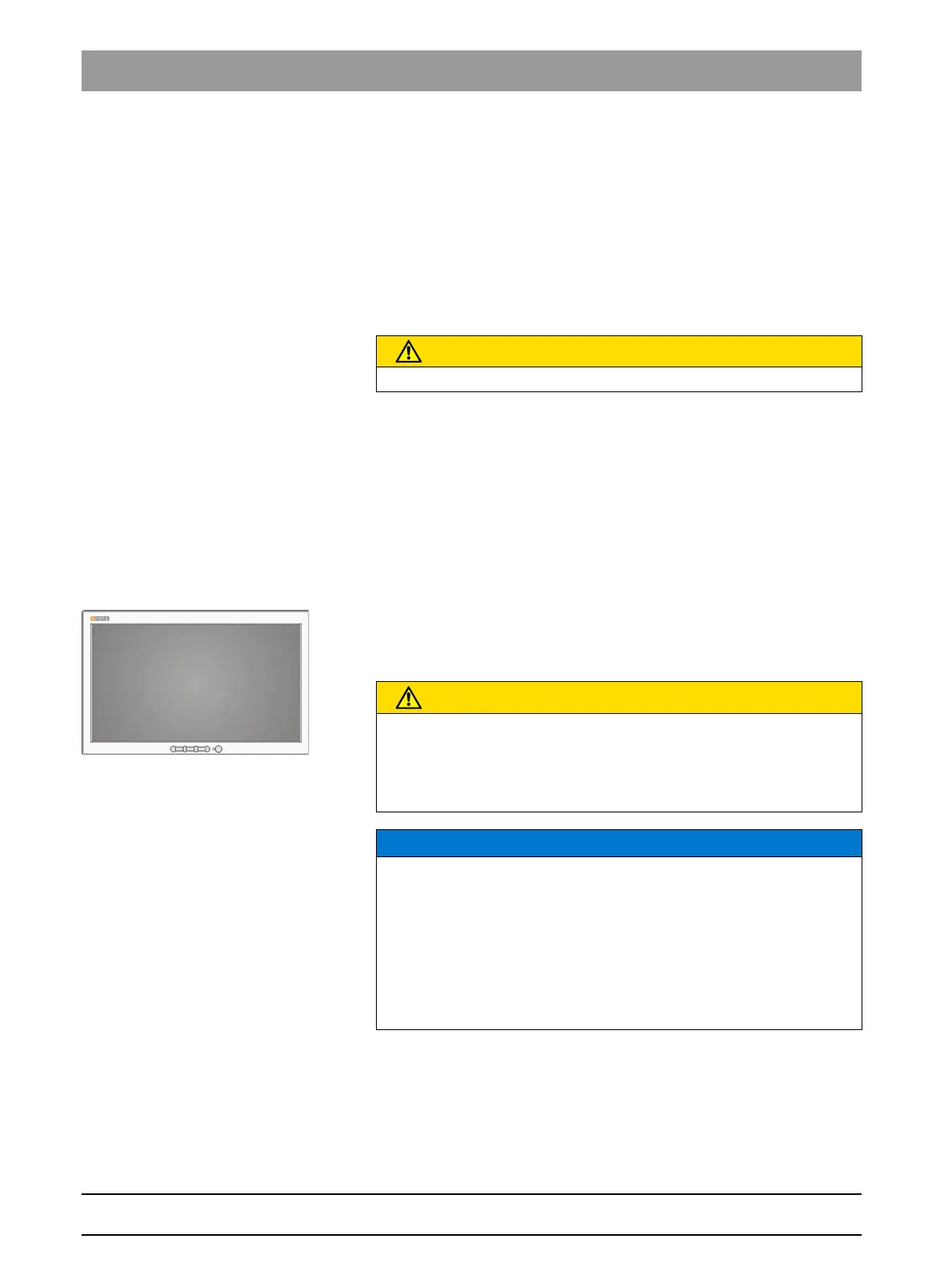
4.11.1 SIVISION monitor
SIVISION monitor
22" monitor
The monitor is equipped with loudspeakers and a glass screen to
facilitate cleaning. For details, see "Operating Instructions for the 22" flat
screen monitor".
Monitor unsuitable
Connection of loudspeakers
CAUTION
The video images are not suitable for diagnosis.
CAUTION
Monitors without medical approval must not be connected.
They endanger the product safety of the treatment center.
➢ Use only monitors that are approved according to IEC 60950 (office
equipment) and IEC 60601-1 (medical devices).
NOTICE
Unsuitable devices can be connected to the loudspeaker port of the
monitor.
The connection of unsuitable devices endangers the product safety of
the treatment center.
➢ The loudspeaker port of the monitor may be connected only to a
device that complies with IEC 60950 (office equipment such as
PCs) or IEC 60601-1 (medical devices). Under no circumstances
should it be connected e.g. to a stereo system, etc.















 To Next Page