63 22 726 D3561
D3561.201.01.03.02 05.2012
239
Sirona Dental Systems GmbH 10 Overview of all function keys
Operating Instructions SINIUS / SINIUS CS 10.7 Setup program
båÖäáëÜ
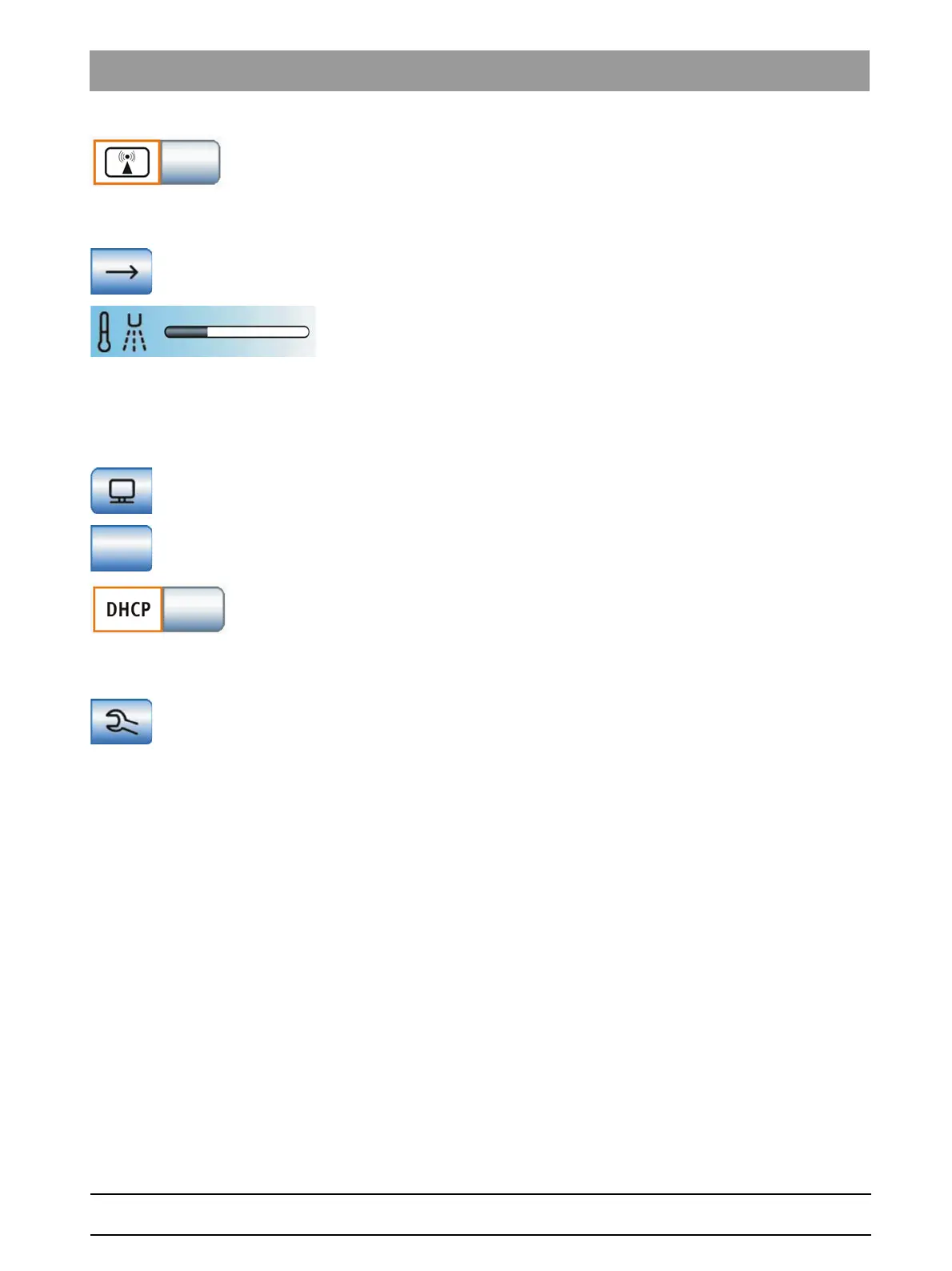
External HF unit key
External HF units may disturb the treatment center and the SIVISION
monitor. It is therefore possible to hide the
External HF units
key in the
Start
sub-screen. If the key in the sub-screen is highlighted in orange, the
treatment center is protected from interferences by HF fields.
Open next program page
Spray temperature
The spray temperature of all instruments on the dentist element is
adjustable. The SPRAYVIT tool is adjusted separately.
The spray temperature of the SPRAYVIT L multifunctional syringe must
be adjusted separately, see "SPRAYVIT screen".
10.7.5 Network connection
Network connection
Configure IP address setup program
Opens the
IP Address
setup program.
Entry of the IP Address, subnet mask and the Gateways
To configure a static network connection
DHCP
Activating the dynamic network configuration with DHCP (Dynamic Host
Configuration Protocol)
10.7.6 Service domain
Service domain
Opening the Service domain
The Service domain is intended to be used only by service engineers.
Please contact your service engineer or your dental depot.















 To Next Page