63 22 726 D3561
238 D3561.201.01.03.02 05.2012
10 Overview of all function keys Sirona Dental Systems GmbH
10.7 Setup program Operating Instructions SINIUS / SINIUS CS
Open next program page
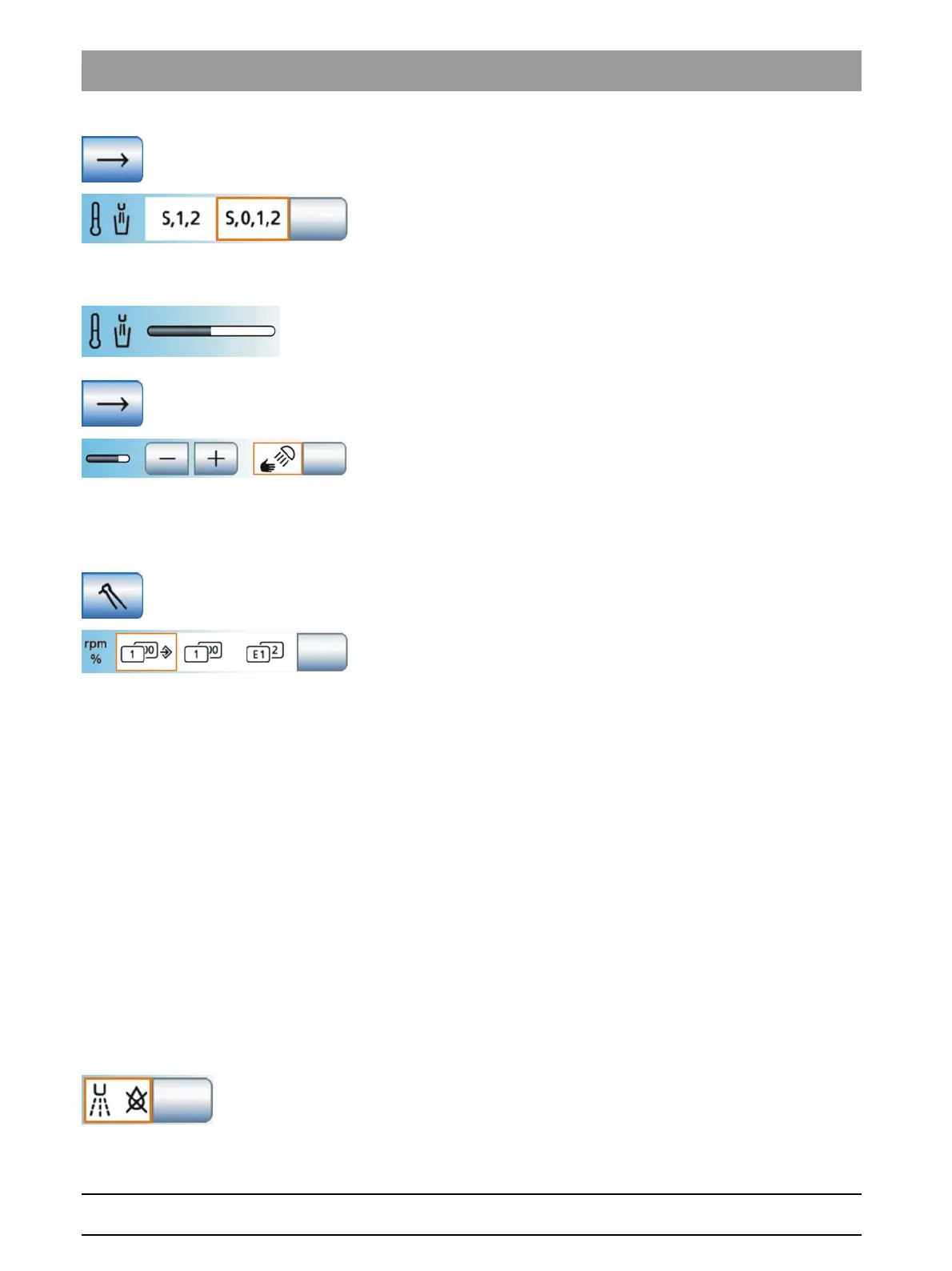
Tumbler heater
A setting can be made so thatthe tumbler heater automatically switches
off when the entry/exit position (0) chair program is activated. The tumbler
heater switches back on as soon as the patient chair leaves the entry/exit
position.
Tumbler heater temperature adjustment
Use the keys to set the intensity of water heating using the tumbling
heater.
Open next program page
Sensor control of the operating lights
The sensor control of the LEDview can be switched on/off. If it is switched
on, the distance from which the contactless switch should react to
movements can be adjusted.
10.7.4 Instruments
Instruments
Configure instruments
Opens the
Instruments
setup program.
Quick setting keys/Function levels
Settings can be made in the
Instrument programs
using either the quick
setting keys (1...100) or two freely programmable function levels (E1, E2).
When using the quick setting keys, you can choose one of two options for
saving the settings you made in the instrument program:
● SaveMode – The
Memory
key is displayed in the instrument
programs:
The settings made in the instrument program will be saved after the
instrument is placed in its holder only if the Memory key was pressed
and held beforehand (> 2 s).
● DropMode –
Memory
key hidden in Instrument programs:
When the instrument is deposited, the settings made in the
Instrument program will automatically be saved.
One of the following presettings can be selected:
● Field 1: Quick setting keys with SaveMode
● Field 2: Quick setting keys with DropMode
● Field 3: Function levels
Afterblow
After an instrument is deposited in its holder, the cooling spray remaining
in the instrument head or in the tip of the instrument is automatically blown
out by a brief activation of the chip blower (air puff).















 To Next Page