63 22 726 D3561
54 D3561.201.01.03.02 05.2012
4 Operation Sirona Dental Systems GmbH
4.3 Foot control Operating Instructions SINIUS / SINIUS CS
4.3
Foot control
Foot control
The treatment center can be operated using a wireless foot control or a
foot control with a cable connection.
4.3.1 Wireless foot control
Wireless foot control
Technical data of the wireless module, see Foot control radio
interface" [ → 25].
4.3.1.1
Setting the wireless foot control on the treatment center
Setting the wireless foot control on the treatm ent center
The wireless foot control must be assigned to the treatment center via a
registration. This prevents malfunctions caused by neighboring wireless
foot controls.
✔ The treatment center and wireless foot control are ready for
operation.
✔ All instruments are in place.
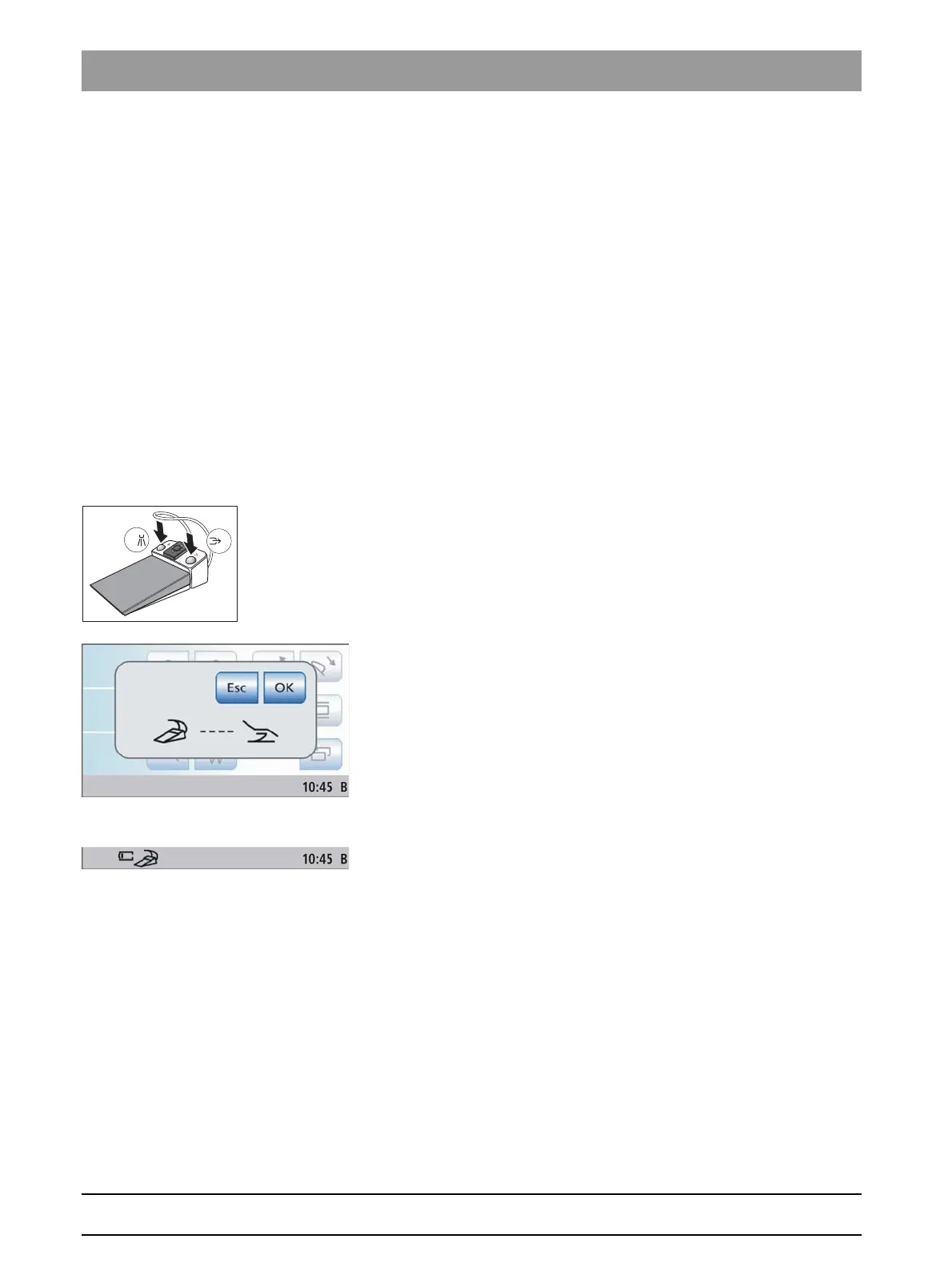
1. Simultaneously press and hold the left and right buttons of the foot
control (> 2 s).
An acoustic signal sounds. The following message appears on
the touchscreen:
If no key is touched, the screen will automatically close after a
specific time. The wireless foot control will not be registered.
2. Confirm that this wireless foot control is to be used on the treatment
center by pressing the
OK
button. The registration process can be
interrupted with the
Esc
key.
The message is hidden. The wireless foot control is assigned to
the treatment center.
4.3.1.2
Battery voltage message
Battery voltage message
The wireless foot control is powered by a battery. An almost empty battery
is detected by the system and displayed in the footer. In this case, the
battery should be replaced within a week to prevent system failure.
When the battery is completely empty, an error code is output, see "Error
messages" [ → 219]. Then the treatment center can no longer be
operated.
The battery can be changed by the user, see "Changing the battery of the
wireless foot control" [ → 215].
4.3.2 Operating the foot control
Operating the foot control
The foot control operating elements are assigned different functions,
depending on whether the instruments are all in place or an instrument is
removed from its holder.















 To Next Page