63 22 726 D3561
62 D3561.201.01.03.02 05.2012
4 Operation Sirona Dental Systems GmbH
4.4 Patient chair Operating Instructions SINIUS / SINIUS CS
4.4.3 Triggering an immediate movement stop
Triggering an immediate movement stop
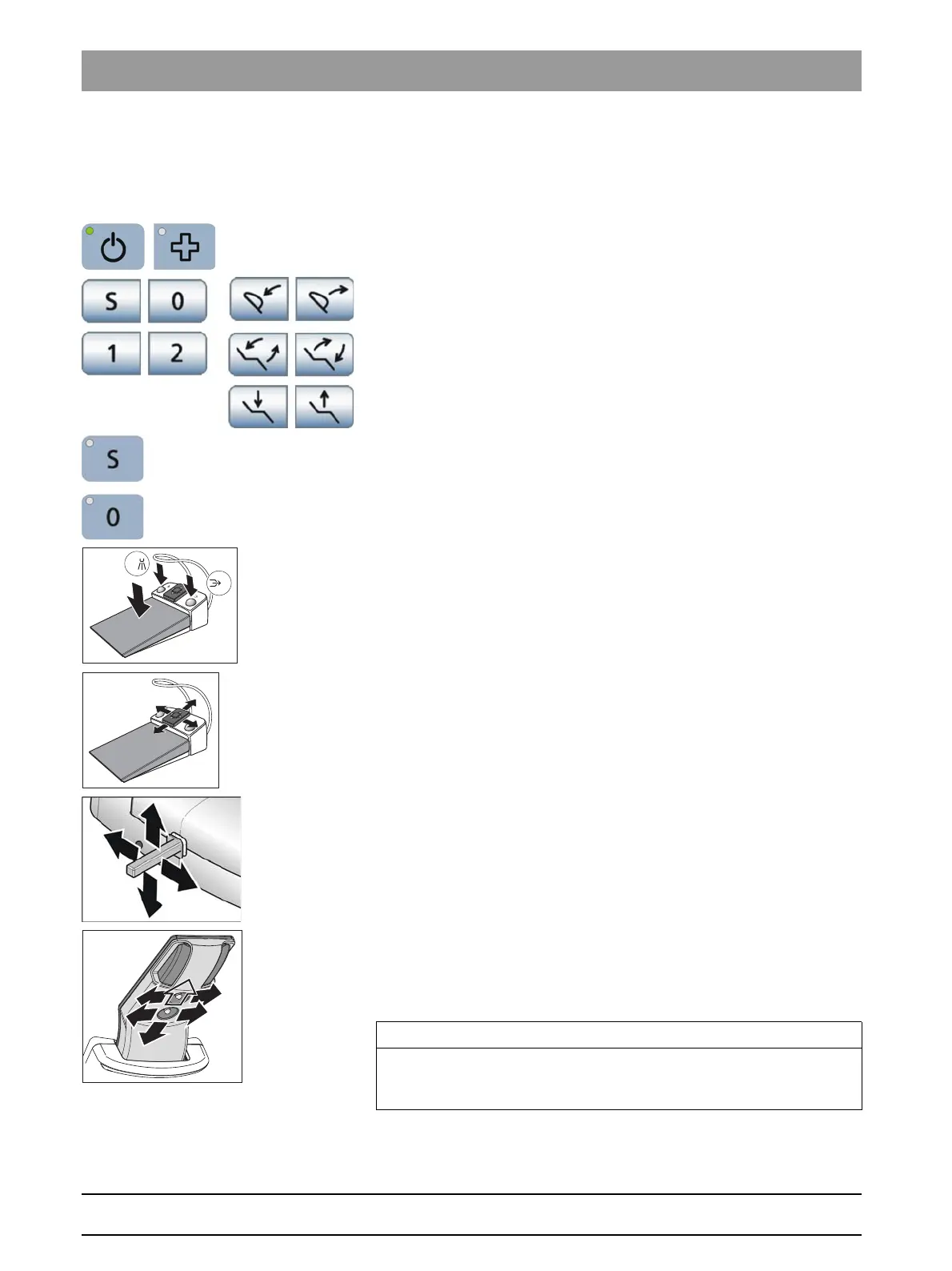
You can stop the movement of the chair to a programmed position as
follows:
➢ Press the main switch or the
Shock positioning
fixed key on the
dentist element.
➢ Press a button relating to the patient chair on the touchscreen or a
button to tilt the motor-driven headrest.
➢ Press one of the patient chair keys on the control panel of the
assistant element.
➢ With all instruments are in place press the pedal or the left or right
button of the foot control.
Instruments placed in an upright and horizontal position
➢ With an instrument removed, press the pedal of the foot control.
➢ With the cursor control switched off, actuate the 4-way foot control
plate on the foot control in any direction.
➢ With the cursor control switched on, move the cursor to any of the
keys relating to the patient chair.
➢ Actuate the 4-way foot switch in any direction.
➢ Actuate the 4-way switch on the motor-driven headrest in any
direction. Exception: The upper 4-way switch up/down, see note
below.
All movements of the treatment center are stopped immediately.
Headrest, motor-driven, movement stop
IMPORTANT
The function keys and switches for adjusting the headrest to the height
of the patient can be used during the program run. This does not trigger
a movement stop.















 To Next Page