63 22 726 D3561
182 D3561.201.01.03.02 05.2012
5 Care, cleaning and maintenance by the practice team Sirona Dental Systems GmbH
5.3 Instruments and instrument hoses Operating Instructions SINIUS / SINIUS CS
5.3.3 Automatically purge water lines (autopurge function)
Automatically purge water lines ( autopurge function)
The autopurge function enables automatic purging of all water-carrying
instruments in the dentist element of the SPRAYVIT M multifunctional
syringe in the dentist and assistant elements and of the suction hoses and
of the tumbler filling.
All of the instruments inserted in the water unit will be purged when the
autopurge function is activated. If the instruments remain in the water unit
after the treatment center is switched off, the purging process will
automatically be started again the next time the treatment center is
switched on.
Execute the autopurge function:
● before starting work
● at the end of the work day
It is also possible to purge individual instruments; see "Purging water
lines (purge function)" [ → 179].
Preparation
The following preparations must be made before you start purging the
water lines:
1. Set all burr drives and the SIROSONIC TL scaler to the maximum
water flow rate.
2. Put all instruments in place.
3. Do not remove the tumbler holder from the cuspidor.
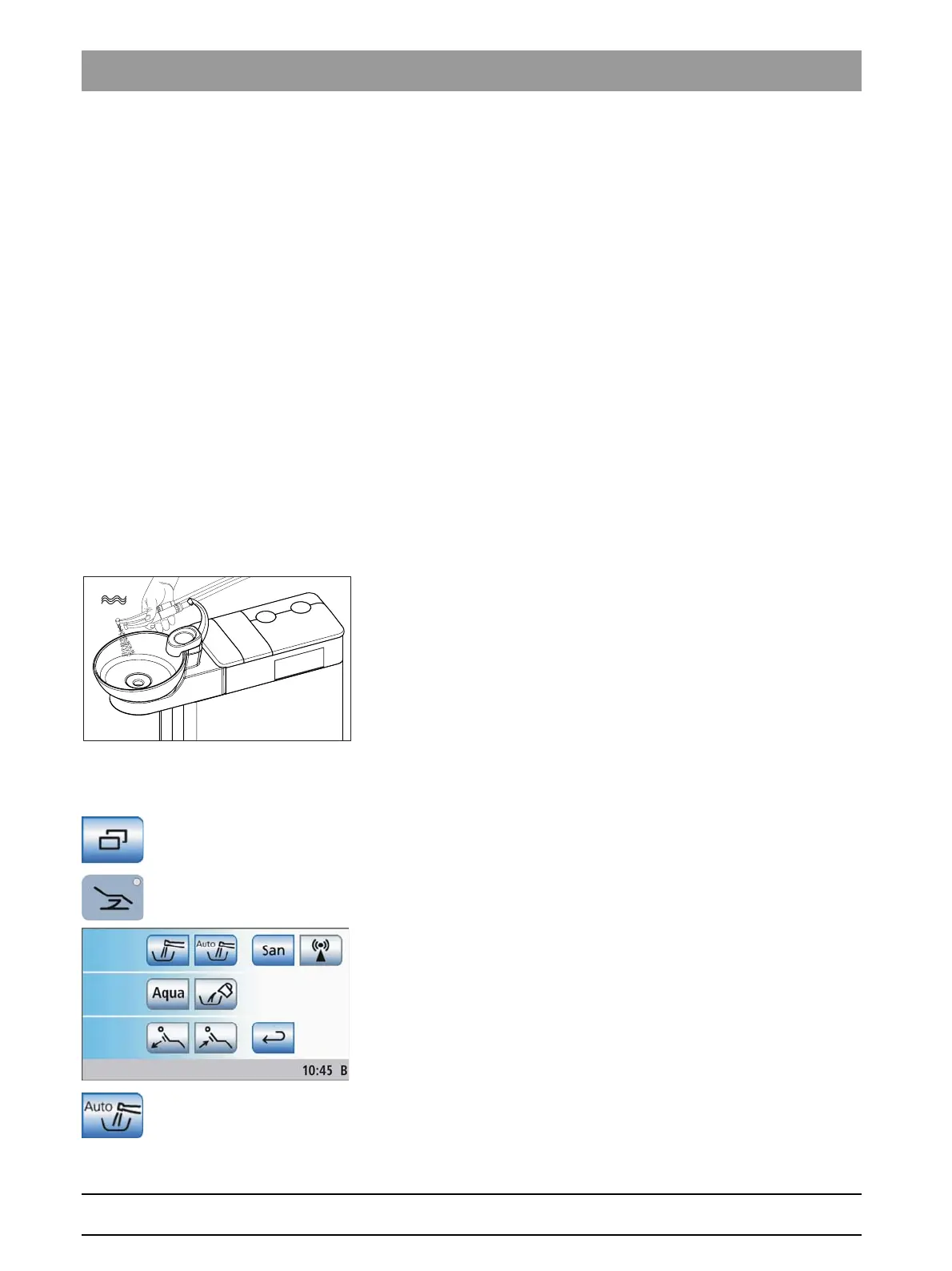
Opening the Autopurge screen
✔ The
Start program
is displayed on the touchscreen.
1. In the
Start program without instrument functions
: Touch the
Sub-
screen
key.
In the
Start program with instrument functions
: Press the
Chair
program change key.
The
Start
sub-screen is displayed.
2. Touch the
Autopurge function
key.















 To Next Page