63 22 726 D3561
160 D3561.201.01.03.02 05.2012
4 Operation Sirona Dental Systems GmbH
4.13 Configuration of the treatment center (setup) Operating Instructions SINIUS / SINIUS CS
4.13.4 Configuring control options
Configuring control options
This program allows for the configuration of the entire treatment center
operation.
➢ Touch the
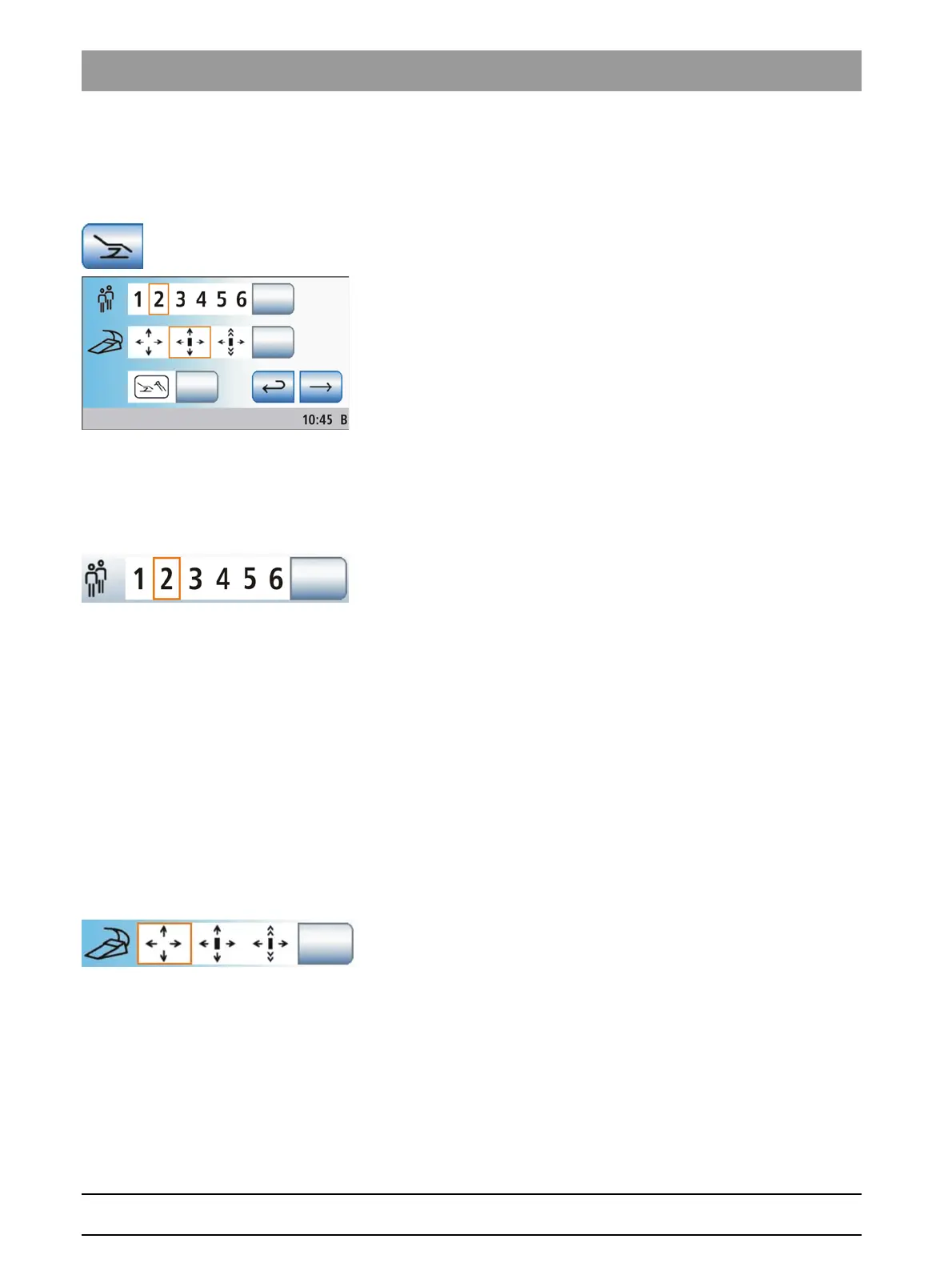
Control options
key in the setup program.
The sub-screen opens.
4.13.4.1
Preselecting the number of user profiles
Preselecting the number of user profiles
If fewer user profiles are required, their number can be limited so that only
the specified users can be selected after the treatment center is switched
on.
➢ Touch the
User profiles
key.
The selected field is highlighted orange. The number of user
profiles is limited to the set value.
If the number of user profiles is limited to one, the
User profiles
key is
hidden in the Start program.
4.13.4.2
Setting the cursor control
Setting the cursor control
The cursor control can be set as follows:
● Field 1: Cursor control switched off
● Field 2: Cursor control switched on, without screen change
● Field 3: Cursor control switched on, with program change
For more information, please refer to "Using the cursor control" [ → 56].
✔ A cable foot control is connected to the treatment center or a wireless
foot control is registered on the treatment center; see "Setting the
wireless foot control on the treatment center" [ → 54].
➢ Touch the
Cursor control
key.
The selected field is highlighted orange.
4.13.4.3
Display instrument functions in the start program
Display instrument functions in the start program
The Start program can run in two operating modes. The operating mode
Start program without instrument functions
displays the functions of the
patient chair and the instruments in a separate screen. The operating
mode
Start program with instrument functions
displays the functions of
the patient chair and the instruments which are most important for the
treatment in the same screen. Additional information on operating modes,
see “Instrument functions in Start program" [ → 49].















 To Next Page