63 22 726 D3561
164 D3561.201.01.03.02 05.2012
4 Operation Sirona Dental Systems GmbH
4.13 Configuration of the treatment center (setup) Operating Instructions SINIUS / SINIUS CS
4.13.4.12
Switching the sensor control of the LEDview operating light on/off
and adjusting it
Switching the sensor control of the LEDview operating light on/off and adjusting it
A contactless switch is installed at the bottom of the LEDview operating
light. The operating light can be switched on/off by a hand movement or
changed to the Composite function. See "LEDview Operating
Instructions".
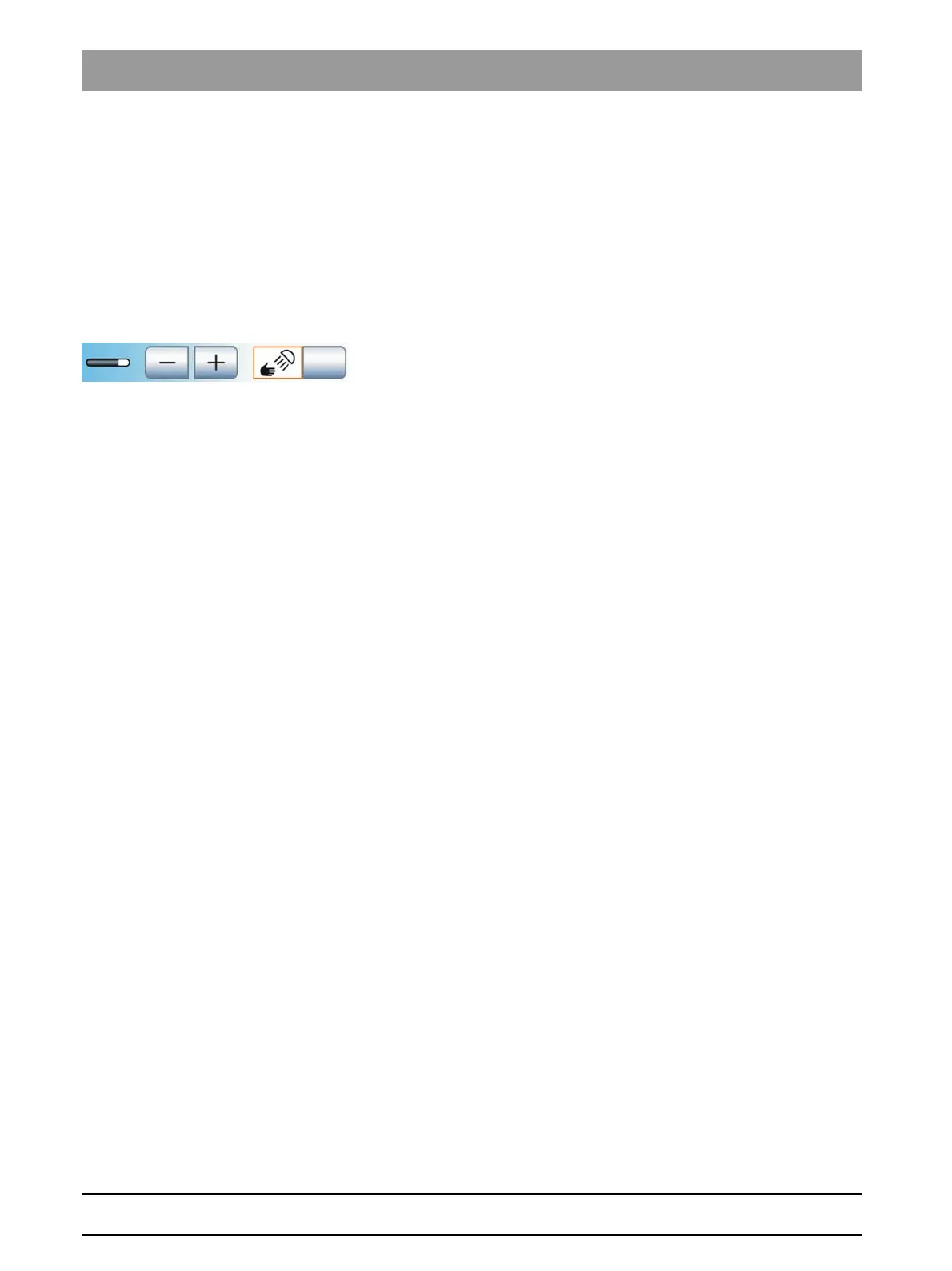
The NoTouch sensor control can be switched on or off via the treatment
center. If it is switched on, the distance from which the contactless switch
should react to movements can be adjusted.
1. Touch the
Sensor control
key.
If the key is highlighted in orange, the contactless switch can
control the LEDview operating light. The keys for adjusting the
operating distance are displayed.
2. Use the – and + keys to set the desired operating distance. The
adjustment should be selected in such a way that unintended
operation of the contactless switch is not possible.















 To Next Page