63 22 726 D3561
152 D3561.201.01.03.02 05.2012
4 Operation Sirona Dental Systems GmbH
4.12 Operation with a PC Operating Instructions SINIUS / SINIUS CS
4.12
Operation with a PC
Operation with a PC
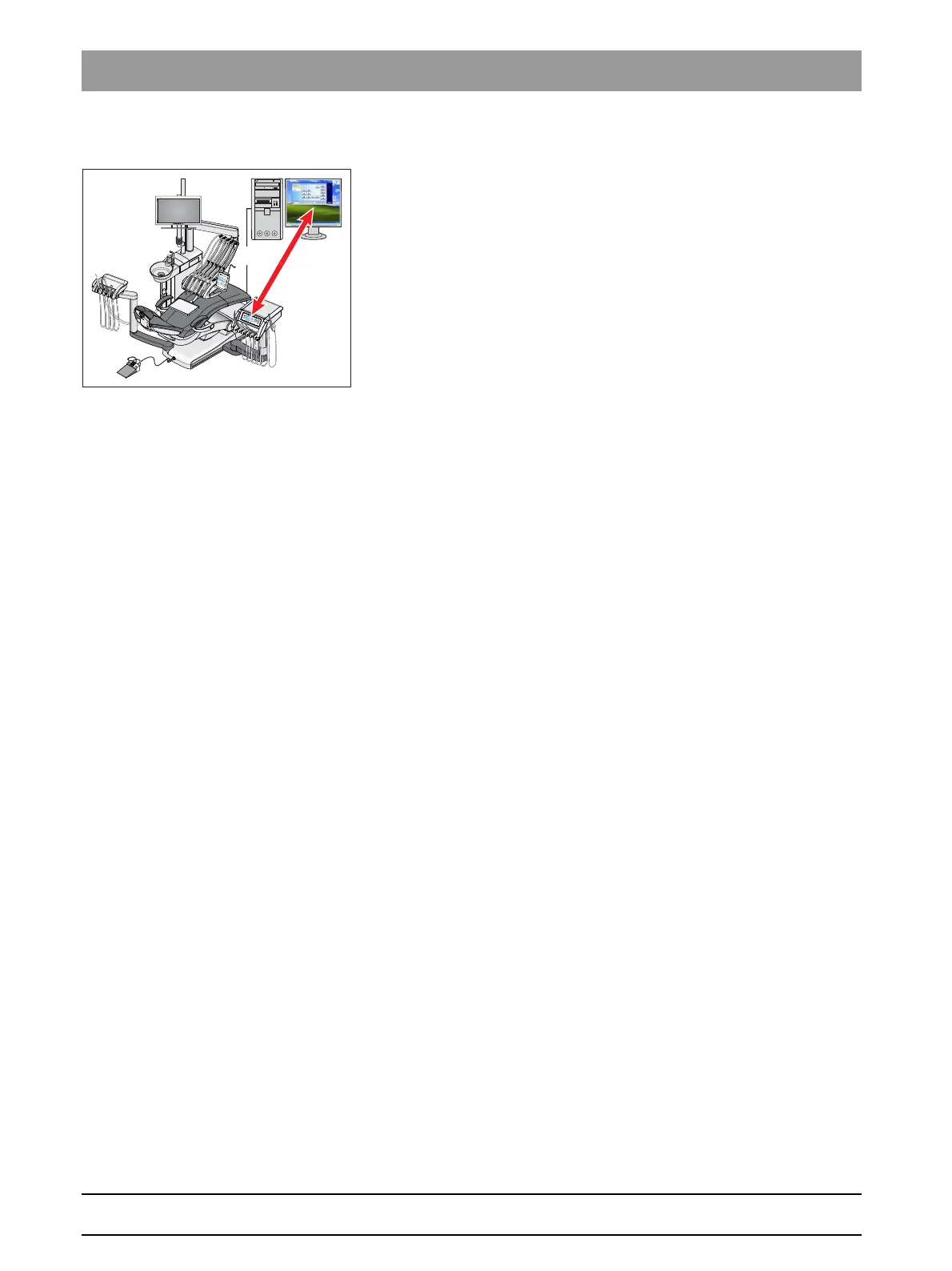
The treatment center can be connected to a PC via an Ethernet cable.
The SIVISION and/or SIUCOM plus PC application allows for
communication between the treatment center and the PC. SIUCOM plus
is required for PC control. The PC can therefore be directly operated
using the touchscreen and the foot control of the treatment center in
connection with the SiroCam AF intraoral camera.
For details, please refer to the manual "Installation and Configuration of
SIUCOM plus / SIVISION connect".
PC versions, internal/external PC
The treatment center can be operated with the following PC versions:
● External PC
The treatment center is connected to an external PC via an Ethernet
cable. PC applications such as SIDEXIS, Microsoft
®
PowerPoint
®
,
Windows Mediaplayer and SI Video can be controlled from the
treatment center.
● Internal PC
The treatment center is operated as a standalone unit without an
external PC. A mini PC is integrated in the base of the chair instead.
It is required to display the camera images using the SI Video PC
application. This version is not intended for image storage or the
control of any additional PC applications.
● Operation without PC
The use of SIVISION is not possible.
SI video application, int ernal/external PC
The SI Video application is used in treatment centers with external PC, on
which SIDEXIS is not installed, or with an internal PC (standalone
solution). In these cases, SI Video serves as a video application for the
camera.
4.12.1 SIVISION program
SIVISION program
Various PC applications of the PC can be started and operated in the
SIVISION program.
You can select the PC applications to be operable via the treatment
center in SIUCOM plus. The keys displayed on the touchscreen and their
arrangement can be adjusted individually. For details, refer to the manual
"Installation and Configuration of SIUCOM plus / SIVISION connect".
The network connection of the treatment center must be configured in the
setup program before using the SIVISION program, see "Configuring the
network connection" [ → 167].
PC applications can be controlled only from the treatment center that was
started via SIUCOM plus.















 To Next Page