63 22 726 D3561
140 D3561.201.01.03.02 05.2012
4 Operation Sirona Dental Systems GmbH
4.9 Panoramic X-ray viewer Operating Instructions SINIUS / SINIUS CS
4.9
Panoramic X-ray viewer
Panoramic X-ray vi ewer
4.9.1 Attachment versions
Attachment versions
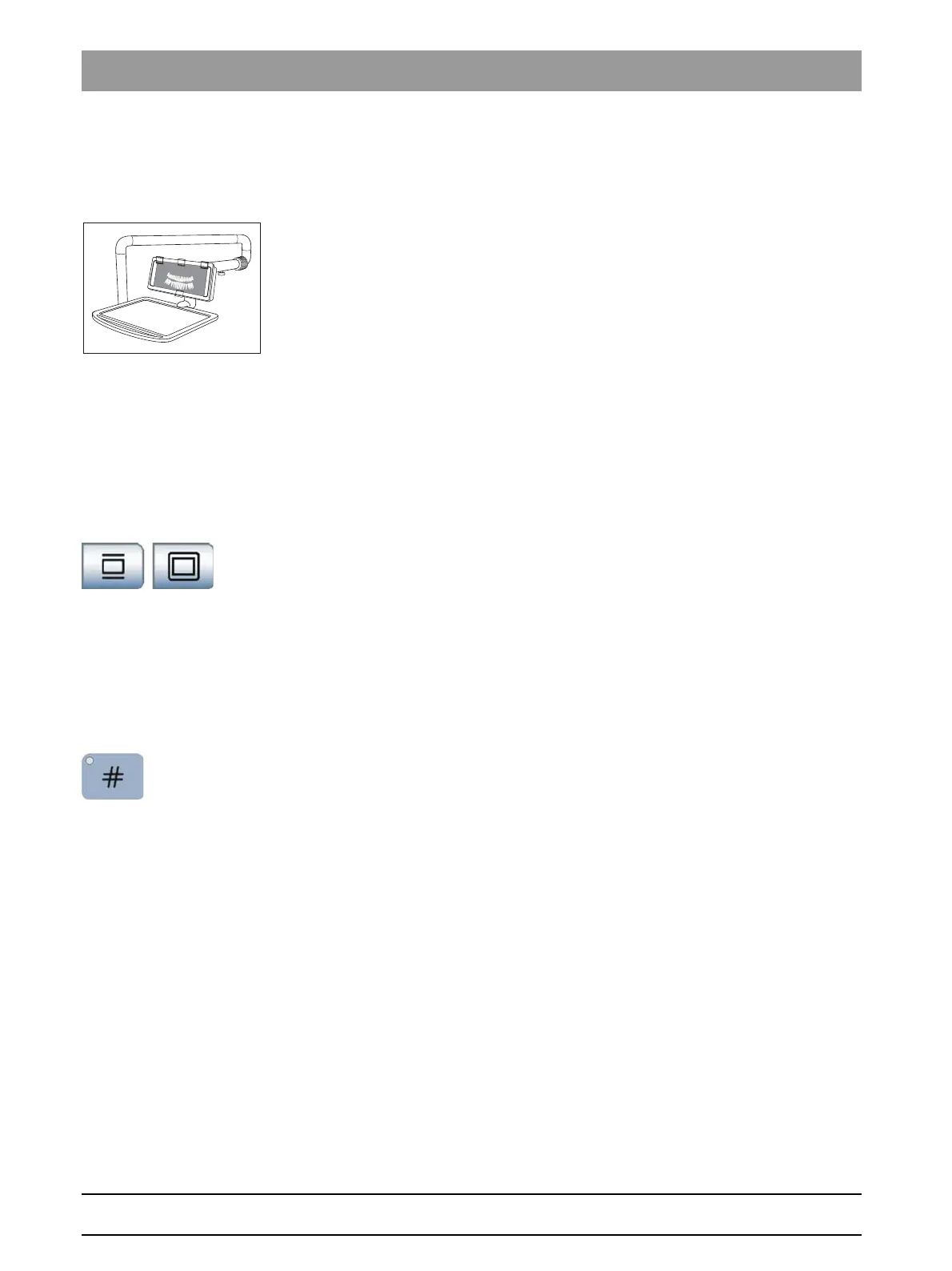
The SINIUS treatment center with travel track can be equipped with an X-
ray viewer on the tray support arm.
No X-ray viewer can be attached to the SINIUS CS treatment center. If
the treatment center is equipped with a SIVISION Monitor, this can be
switched to a white screen.
4.9.2 Switching the X-ray viewer on/off
Switching the X-ray viewer on/off
If the treatment center has no X-ray viewer, however, is equipped with a
SIVISION monitor, the SIVISION monitor can be set to the white screen
mode."Show/hide white screen key on the SIVISION monitor" [ → 161].
Via touchscreen
✔ The
Start program
is displayed on the touchscreen.
➢ Touch the
X-ray viewer
key or the
White screen
key.
If the key is highlighted orange, the X-ray viewer is switched on
or the SIVISION monitor is switched to white screen.
Via the assistant element
The
Hash key
on the assistant element can be configured in the Setup
program. The key allows the user to switch the X-ray viewer or the white
screen function on the SIVISION monitor on or off or alternatively to
activate the bell or hash relay, see “Setting function of the Hash key on
assistant element” [ → 162].
➢ Press the
Hash key
.
If the
hash key
is set on the control of X-ray viewer, bell or hash
relay, the LED of the key illuminates when the function is
activated.
If the White screen function is controlled in SIVISION monitor
using the
hash key
, the LED of the
hash key
is not illuminated. It
is lit only when the X-ray viewer is switched on. In addition, the
White screen
key is no longer shown in orange in the
Start
program
.















 To Next Page