63 22 726 D3561
116 D3561.201.01.03.02 05.2012
4 Operation Sirona Dental Systems GmbH
4.5 Dentist element Operating Instructions SINIUS / SINIUS CS
Calibration only with Sirona instruments
✔ The
Endodontics program
is displayed on the touchscreen.
1. Attach the contra-angle handpiece that you would like to use for the
treatment to the electric motor.
2. Insert a file in the contra-angle handpiece. This ensures that the file
is taken into account in the measurement.
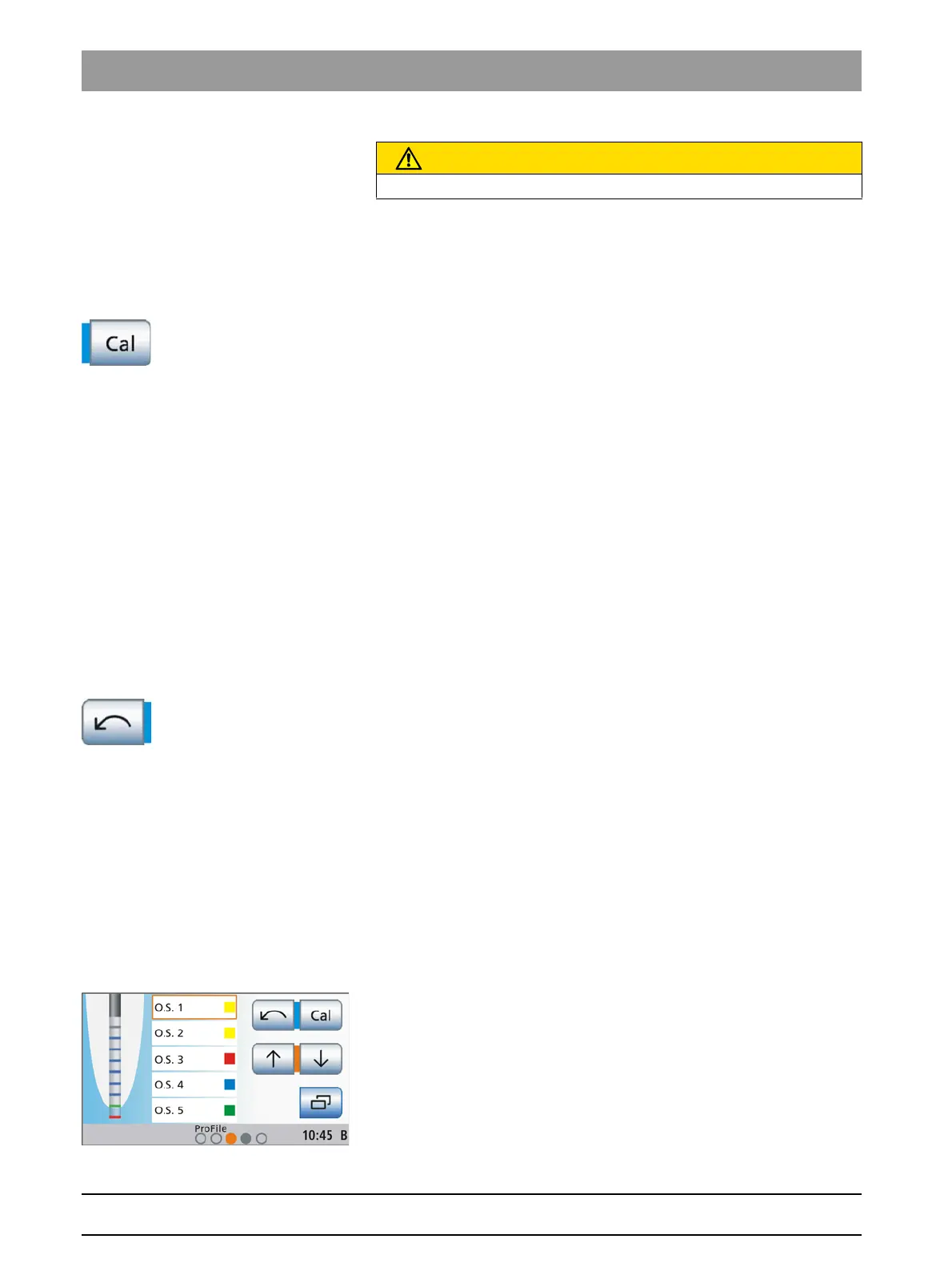
3. Touch the
Cal
key on the touchscreen.
or
➢ Press the right button of the foot control.
The button flashes orange.
4. Hold down the foot control throughout the duration of the calibration.
The
Cal
key continues to flash. During the calibration, speed
increases are set at the motor. If the burr drive is calibrated, the
key permanently remains highlighted orange. The calibration is
then completed.
4.5.14.4
Setting the direction of rotation
Setting th e direction of ro tation
The direction of rotation can be changed only with the motor stopped.
Counterclockwise rotation is performed without torque limitation. The
torque setting keys are hidden when counterclockwise rotation is
selected.
Endodontics program
✔ The
Endodontics program
is displayed on the touchscreen.
➢ Touch the
CCW Rotation
key on the touchscreen.
or
➢ Press the left button of the foot control.
For counterclockwise rotation: The
CCW Rotation
key is
highlighted orange and an orange CCW arrow appears.
For clockwise rotation: The
CCW Rotation
key is displayed gray
and the orange CCW arrow disappears.
After you start the electric motor with the foot control, an audible warning
signal sounds 6 times if counterclockwise rotation is activated.
4.5.14.5
Using the ApexLocator
Using the ApexLocator
✔ The treatment center is prepared for apex measurements using the
instrument, see section "Preparing to use the ApexLocator" [ → 94].
✔ The
Endodontics program
is displayed on the touchscreen.
1. Select a file, see "Selecting a file" [ → 115]. If necessary, change the
preset speed and torque, see "Setting the speed and torque" [ → 118].
2. You can make a setting to determine that the motor stops
automatically when the physiological apex is reached. If you want to
use the automatic motor stop, this can be preset in the
Endodontics
sub-screen. The automatic motor stop can be combined with the
Auto-Reverse
function, see "Switching the automatic motor stop of
the ApexLocator on/off" [ → 119].
CAUTION
Use only Sirona instruments to guarantee correct calibration.















 To Next Page