63 22 726 D3561
D3561.201.01.03.02 05.2012
73
Sirona Dental Systems GmbH 4 Operation
Operating Instructions SINIUS / SINIUS CS 4.4 Patient chair
båÖäáëÜ
4.4.10 Setting the active lumbar support
Setting the active lumb ar support
The patient chair has the option of lumbar support.
Start program with or without instrument functions
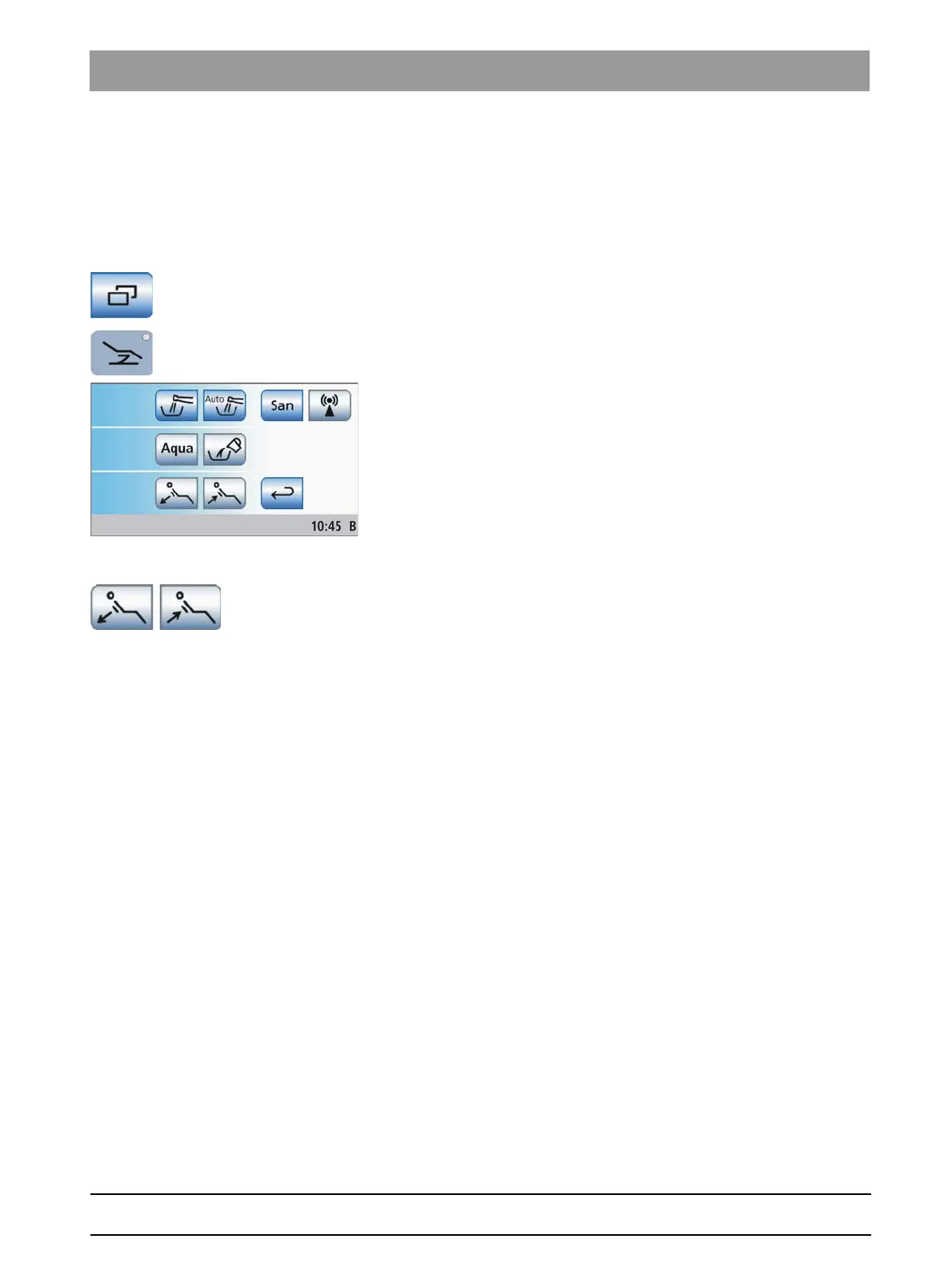
Opening Start sub-screen
✔ The
Start program
is displayed on the touchscreen.
➢ In the
Start program without instrument functions
: Touch the
Sub-
screen
key.
In the
Start program with instrument functions
: Press the
Chair
program change key.
The
Start
sub-screen is displayed.
Setting the active lumbar support
➢ Adapt the active lumbar support to the patient's spinal curvature.
Touch the
Decrease active lumbar support
/
Increase active lumbar
support
keys.
The active lumbar support functions switch off automatically when the
chair approaches the entry/exit position
0
or the mouth rinsing position
S
.















 To Next Page