63 22 726 D3561
D3561.201.01.03.02 05.2012
151
Sirona Dental Systems GmbH 4 Operation
Operating Instructions SINIUS / SINIUS CS 4.11 SIVISION digital video system
båÖäáëÜ
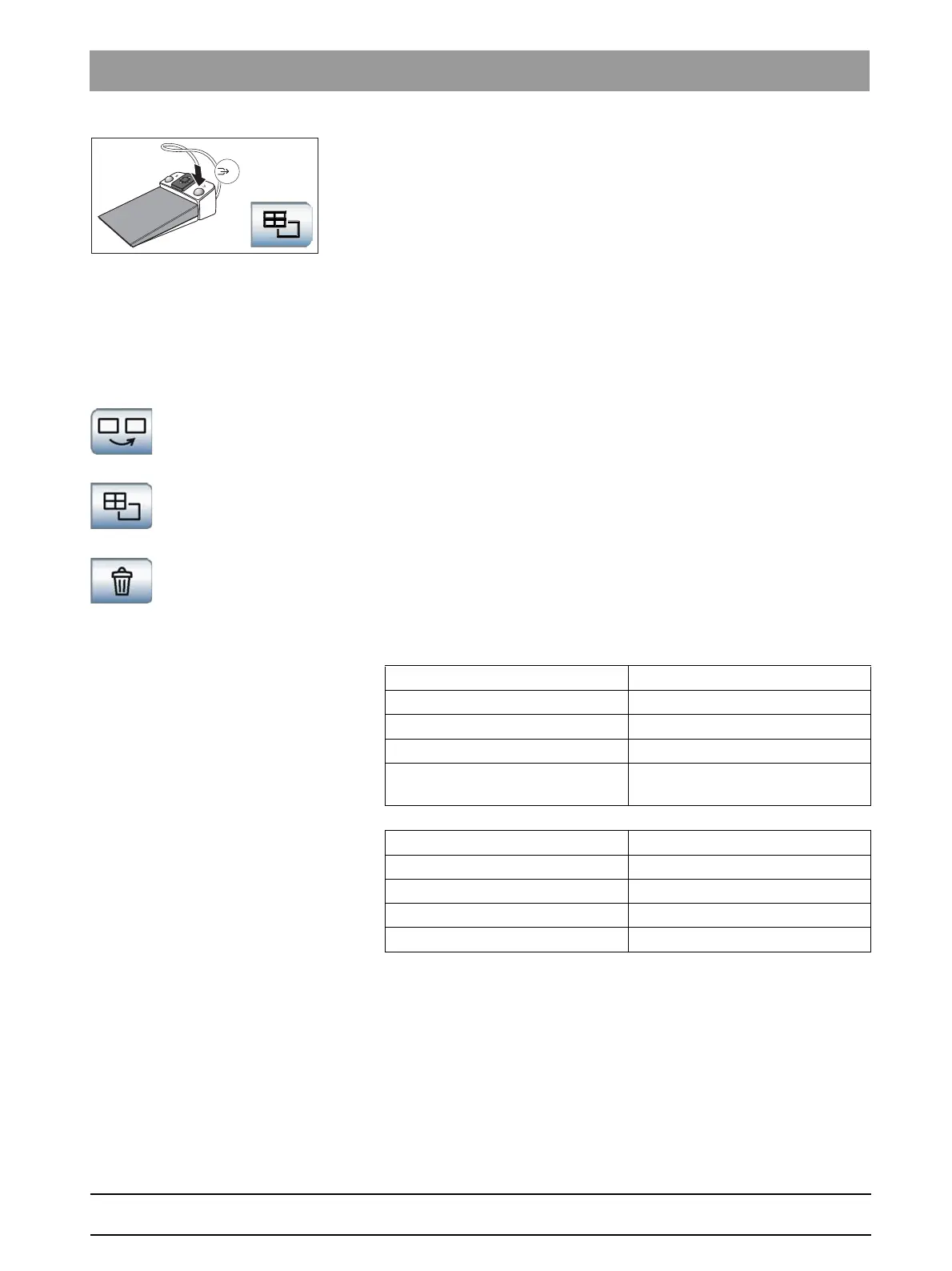
✔ The intraoral camera must be removed to allow for operation via foot
control.
➢ Press the right button of the foot control.
or
➢ Touch the
Quad image
key on the touchscreen.
The mode changes between quad and single image.
Operation of SI video with the camera removed
With the camera removed, SI video is controlled via the foot control and
the SIVISION program buttons.
SI Video keys
Selecting the next quadrant
In single image mode, the still image in the next quadrant is displayed. In
quad image mode, the next quadrant is highlighted.
Quad image
Display quad image or single image Up to four single images are
simultaneously displayed on the SIVISION monitor in quad image mode.
Deleting images
All generated still images are deleted.
4.11.2.5
Technical data
Technica l data
General technical data
Characteristics of the image acquisition
Model: SIROCAM AF intraoral camera
Weight of handpiece without cable: approx. 80 g
Dimensions: dia. 27.5 x 207 mm
Working temperature: +10 to +40°C
Power supply and signal output: 5 V via USB 2.0 interface (modified
plug-in connection)
Lighting: 2 White light LEDs
Image sensor: 1/4" CMOS
Pixels: 0.6 megapixels
Effective resolution: 1024 x 640
White balance: fixed, set to 4,800 K















 To Next Page