63 22 726 D3561
D3561.201.01.03.02 05.2012
141
Sirona Dental Systems GmbH 4 Operation
Operating Instructions SINIUS / SINIUS CS 4.9 Panoramic X-ray viewer
båÖäáëÜ
4.9.3 Attaching the anti-glare film
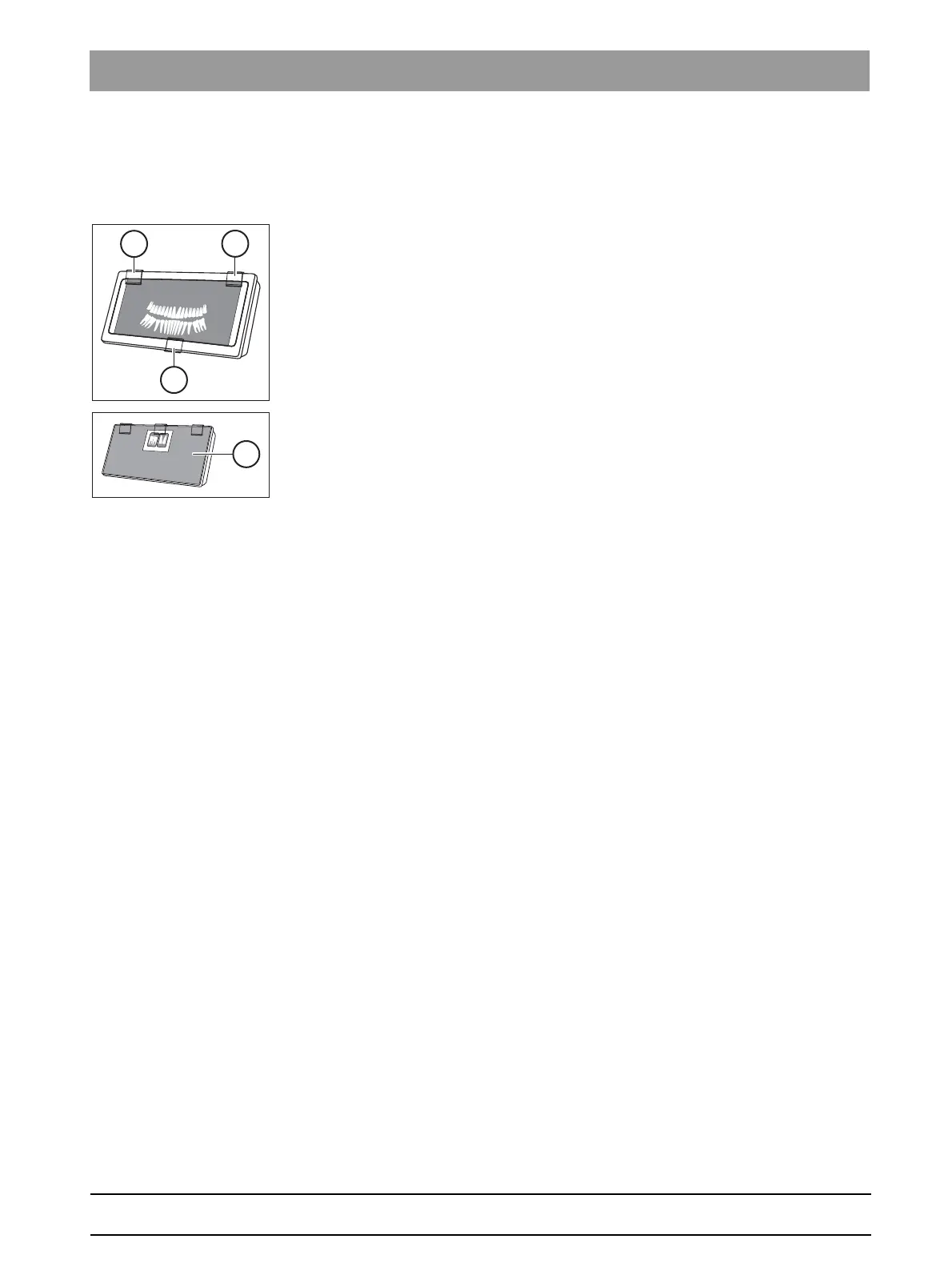
Attaching the a nti-glare film
An anti-glare film is supplied with the X-ray viewer for viewing intraoral
dental images.
1. Remove the three retaining clips (A).
2. Use two of the retaining clips to clamp the anti-glare film (B) to the
upper edge of the X-ray viewer on the left and right.
3. Use the third retaining clip to clamp the intraoral dental image to the
upper edge of the X-ray viewer in the center.















 To Next Page