63 22 726 D3561
76 D3561.201.01.03.02 05.2012
4 Operation Sirona Dental Systems GmbH
4.5 Dentist element Operating Instructions SINIUS / SINIUS CS
4.5.4 Fixed keys on the dentist element
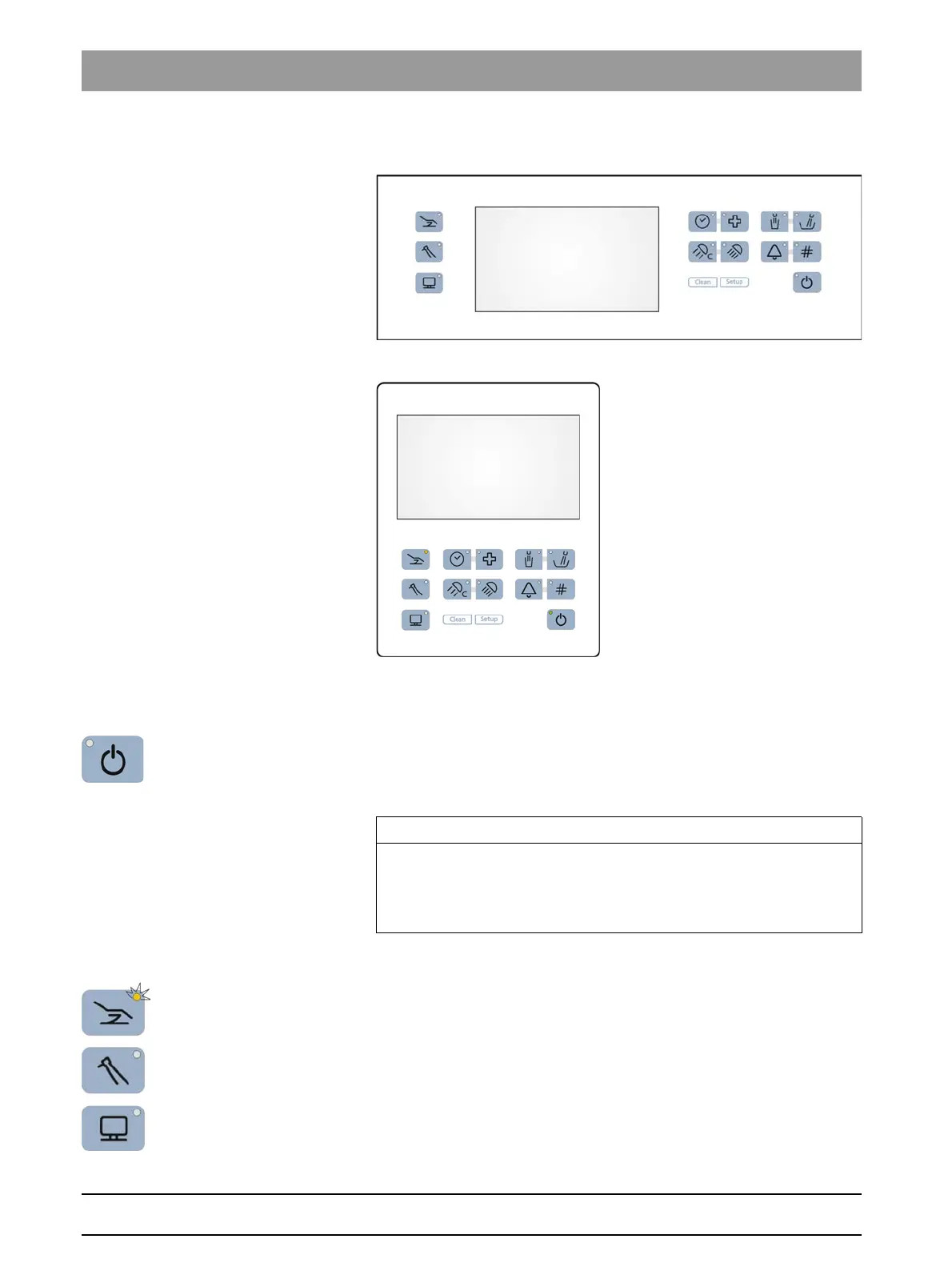
Fixed key s on the dentist el ement
Arrangement of fixed keys on the SINIUS dentist element
Arrangement of fixed keys on the SINIUS CS dentist element
4.5.4.1
Main switch
Main switch
The treatment center is switched on/off with the main switch.
To switch off, press and hold the key until an acoustic signal sounds.
Then release the key.
Power switch
4.5.4.2
Program change keys
Program change keys
The program change keys allow the user to switch between the main
programs
Start program
,
Instrument program
and
SIVISION program
in
the
Start program without instrument functions
mode.
In the
Start program with instrument functions
mode the program change
keys
Chair
and
Instrument
can be used to switch to the relevant sub-
screens.
Depending on which main screen or sub-screen is displayed, the LED of
the corresponding program change key will light up.
IMPORTANT
Power switch
The treatment center also features a power switch on the base of the
chair that separates the treatment center from the power supply, see
"Switching the treatment center on/off" [ → 45].















 To Next Page