63 22 726 D3561
230 D3561.201.01.03.02 05.2012
10 Overview of all function keys Sirona Dental Systems GmbH
10.4 Treatment program Operating Instructions SINIUS / SINIUS CS
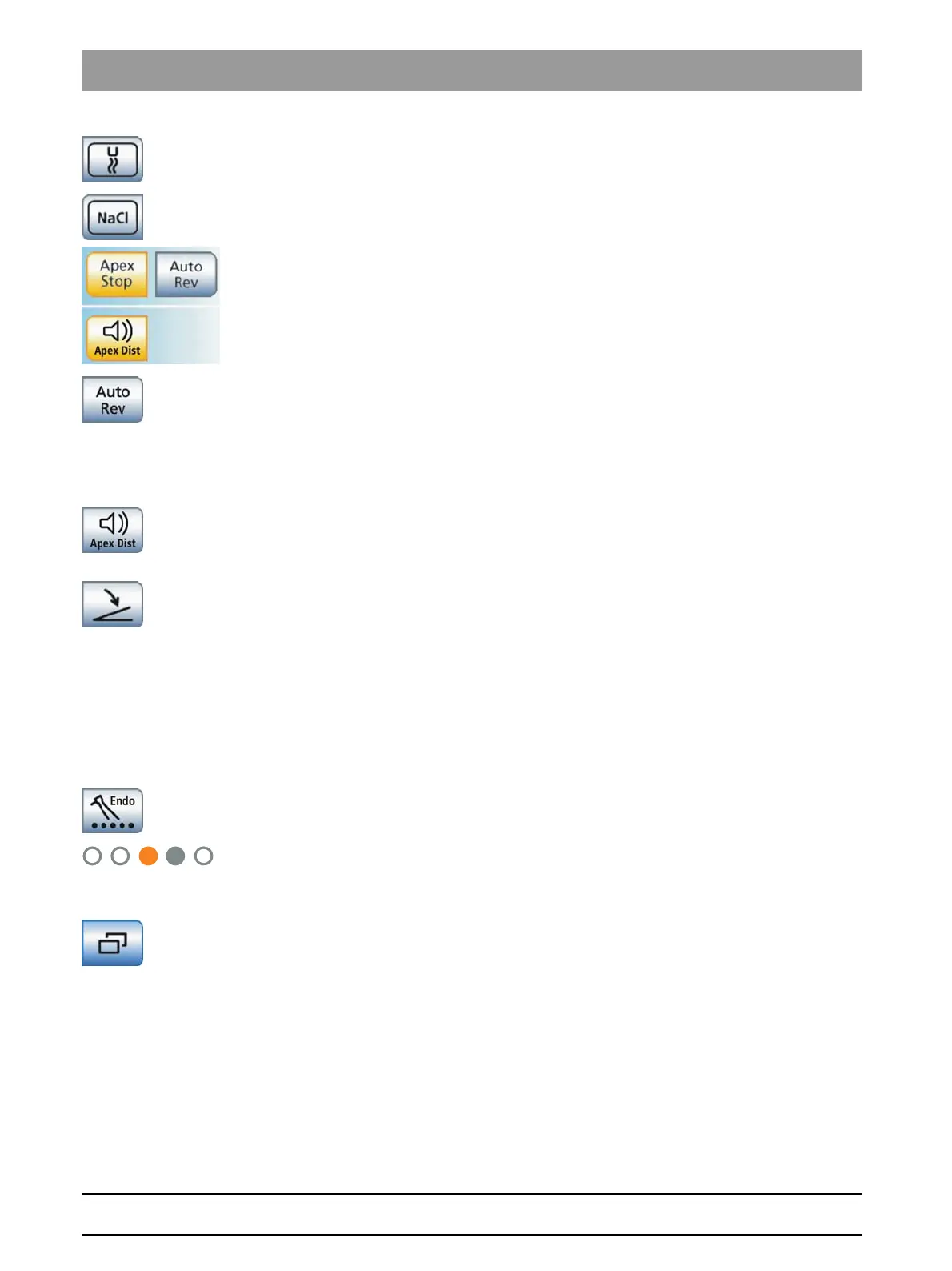
Preselect air coolant
Used to cool the treatment area with air
Preselect NaCl coolant
Cooling of the treatment area with sterile saline solution
Apex functions
Setting the automatic motor stop of the ApexLocator
Switching the motor stop function of the ApexLocator on or off. When the
Apex Stop
key is pressed, the
Auto-Reverse
key is displayed. If the motor
stop function is activated, the motor stops automatically when the
physiological apex is reached.
Auto-Reverse
Switching the ApexLocator Auto-Reverse function on or off. When the
physiological apex is reached, the burr drive automatically switches to
counterclockwise rotation when reactivated by the foot control. When the
file is withdrawn, the burr drive automatically switches back to clockwise
rotation.
Apex distance signal tones
Switching the apex distance signal tones on or off. The intervals between
the signal tones vary according to the measured distance to the apex.
Direct starter/speed foot control
Direct starter (marked gray): Switches the instrument on with the set
speed or intensity
speed foot control (marked orange): Used to adjust the instrument up to
maximally the set speed and intensity after setting the foot control pedal.
10.4
Treatment program
Treatment prog ram
10.4.1 Treatment selection
Treatmen t selection
Assigning the burr drive
Display of assigned burr drive
The assigned burr drive is marked with an orange circle. Any position
marked with a gray circle also can be assigned.
Open endodontics administration
Used to access additional subordinate functions for endodontic
treatments; see "Endodontic administration" [ → 231].















 To Next Page