5 — Operating Instructions
53
Operator Manual
Vision® 1300 Series
920515770_J
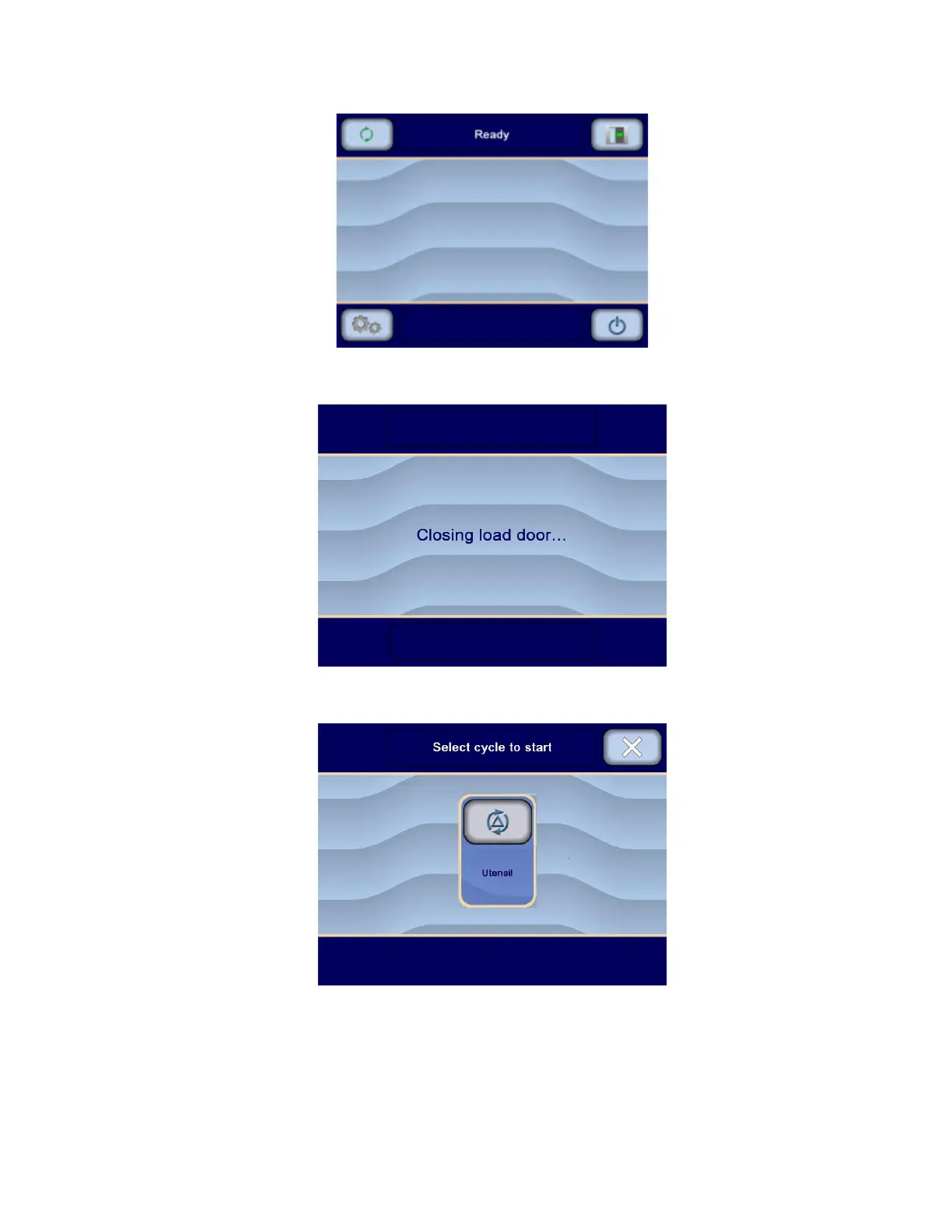
6. Press Close on upper right corner of touch screen to return to Ready screen. Display shows:
7. When rack or surgical case cart is properly loaded into chamber, press Open/Close Door on Ready screen, on
load side touch screen, to close load door. Display shows:
8. If washer/disinfector IS equipped with bar code reader (accessory), and bar code tag was scanned, display
shows, for example:
– or –
If washer/disinfector IS NOT equipped with bar code reader (accessory):
a. Press Cycles on touch screen. Display shows Select cycle to start screen:












 To Next Page