5 — Operating Instructions
54
920515770_J
Vision® 1300 Series
Operator Manual
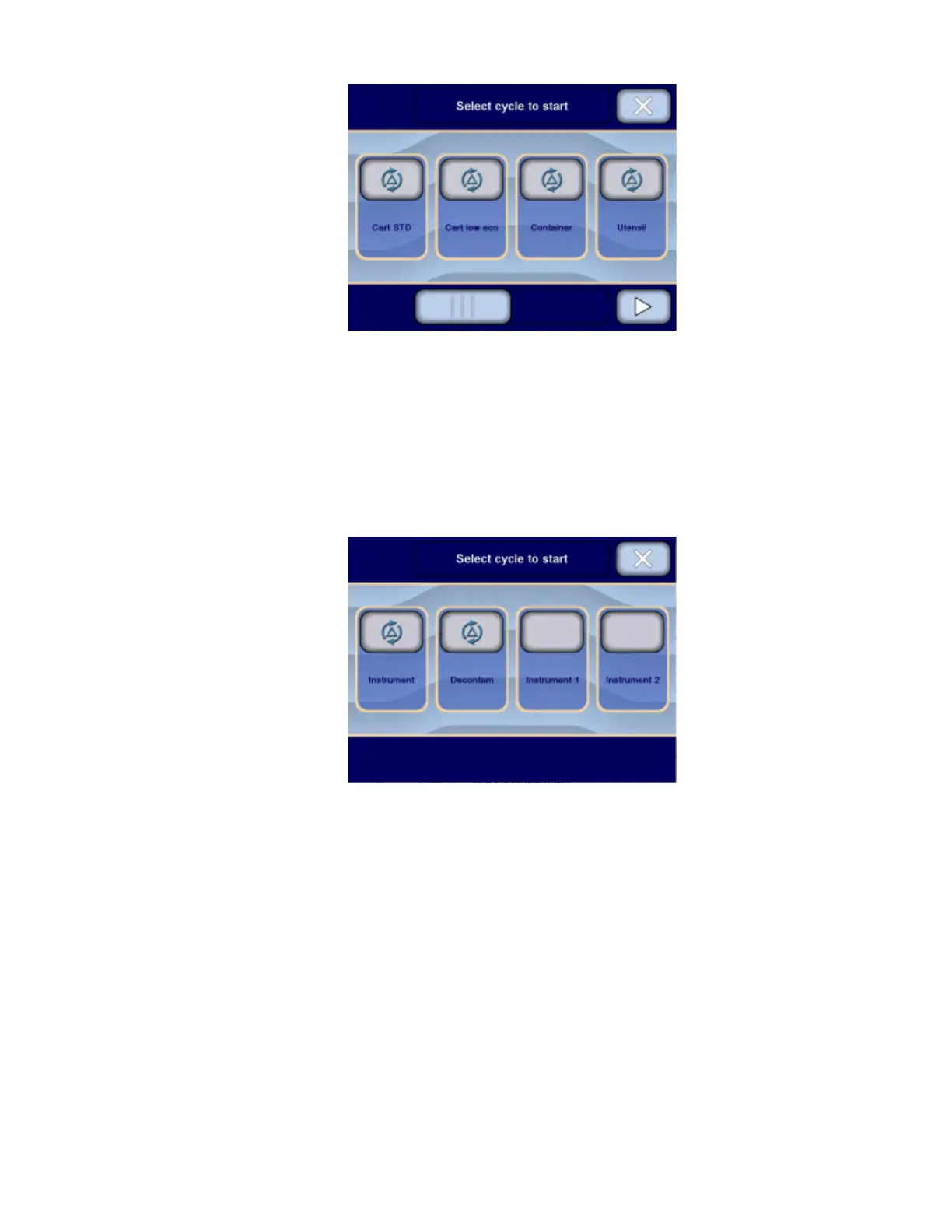
b. Press Left or Right arrow to scroll across touch screen to view all available cycles.
NOTE: Before processing cycle, note the following:
i. Ensure to select the appropriate cycle for items being processed and ensure appropriate cycle
parameters are set in the control before beginning cycle.
ii. Refer to Section 6.7, Supervisor Mode Menus, for more details about cycles and cycle parameters
that can be modified within established ranges.
– or –
If Vision CW Instrument Washing Manifolded Rack has been detected:
9. Press on touch pad to select cycle. Display shows:












 To Next Page