5 — Operating Instructions
61
Operator Manual
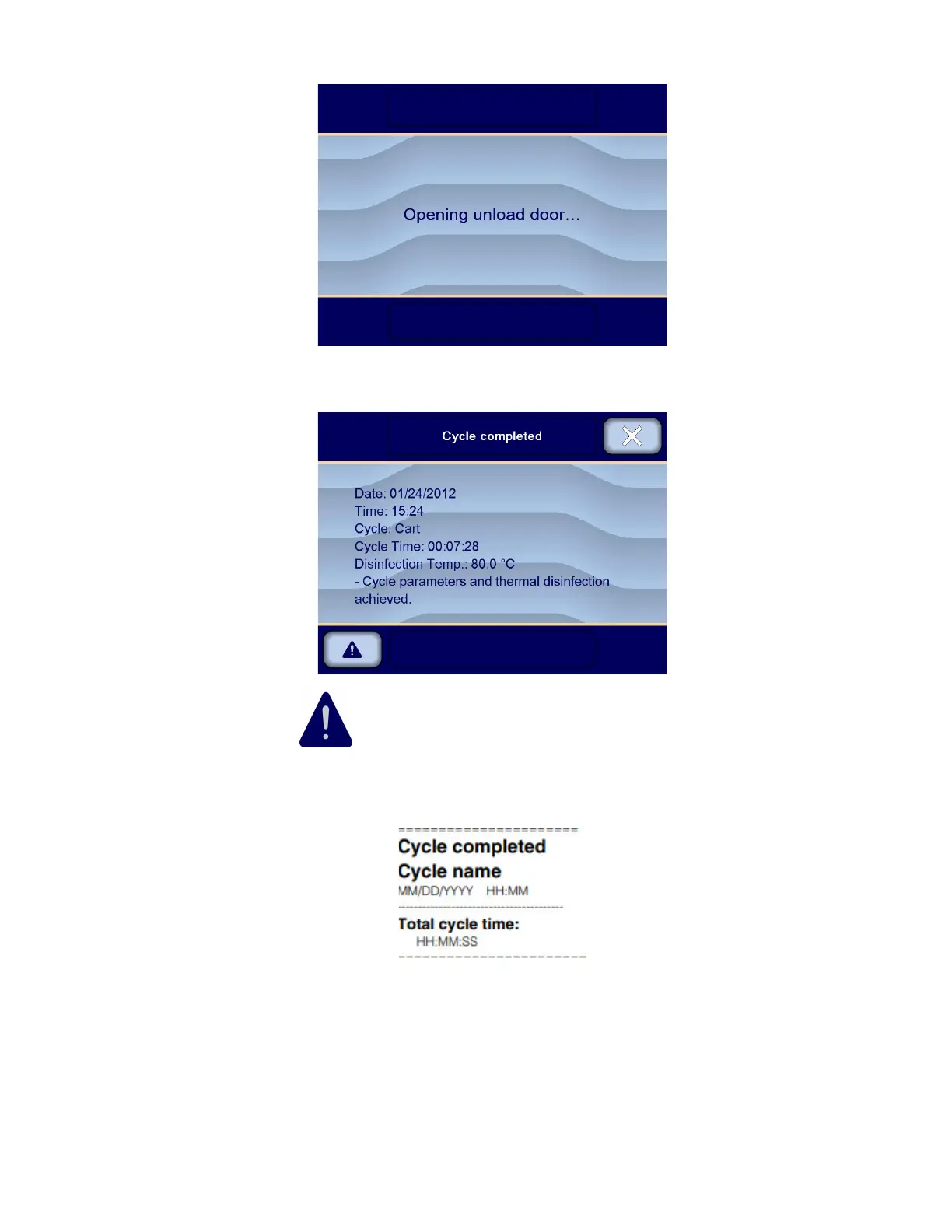
Vision® 1300 Series
920515770_J
2. Leave door open and allow load to cool before removing load.
3. An audible signal sounds and display shows, for example:
NOTE: A WARNING symbol might be displayed on touch screen so operator can access a list of warning
messages. Press on WARNING symbol to access the list of warning messages (see Section 5.23, Responding to a
Warning Message for more details).
4. A printout for cycle completion confirmation is generated, for example:
5. Press Close on upper right corner of touch screen to return to Ready screen.
6. Carefully roll rack or cart out of washer/disinfector chamber.
7. When rack or cart is out of chamber, press Open/Close door on unload side touch screen to close unload door.
Display shows:












 To Next Page