19
TPS-1500W Sealed Peltier Recirculator
Thermo Scientific Evolution 200 Series User Guide 305
Related Topics
Standby Mode
Alarm Mode
Preinstallation
Installation
Maintenance
Troubleshooting
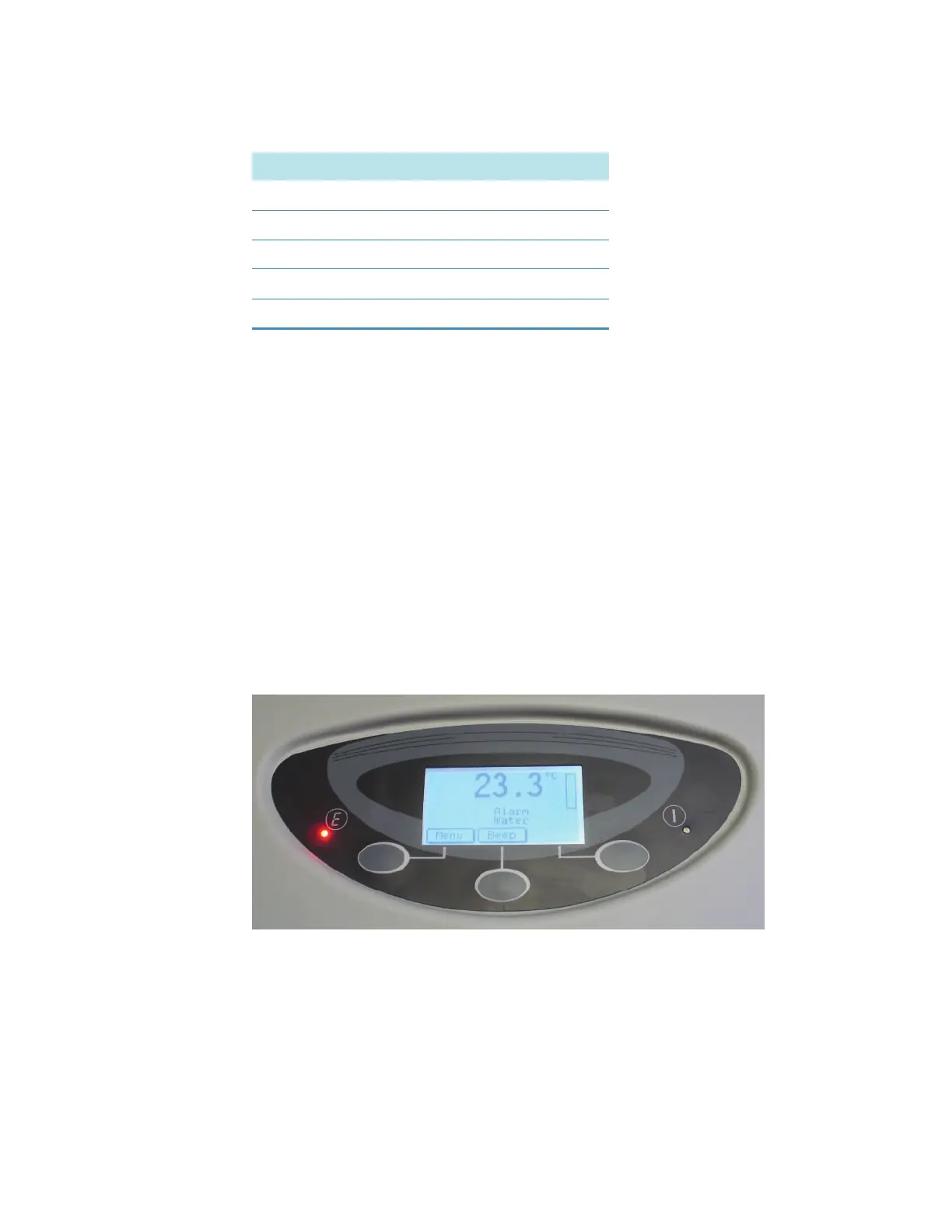
Alarm Mode
System alarms indicate failure of the accessory due to malfunction or incorrect use. See
Troubleshooting for more information. Here is an alarm mode due to water failure.
•Use the left (Menu) button to display the Main Menu page.
•Use the center (Beep) button to turn off the audible alarm.
•Use the right (Reset) button, if available, to reset the audible alarm. See Manual reset
prealarm in the Parameters Menu to configure the Reset option to display in Alarm
Mode.
Description Unit
Cell temperature °C
Radiator temperature °C
Water resistance Kohm
Power %
Cell voltage Volt









 To Next Page