83
Setup Exiting Setup
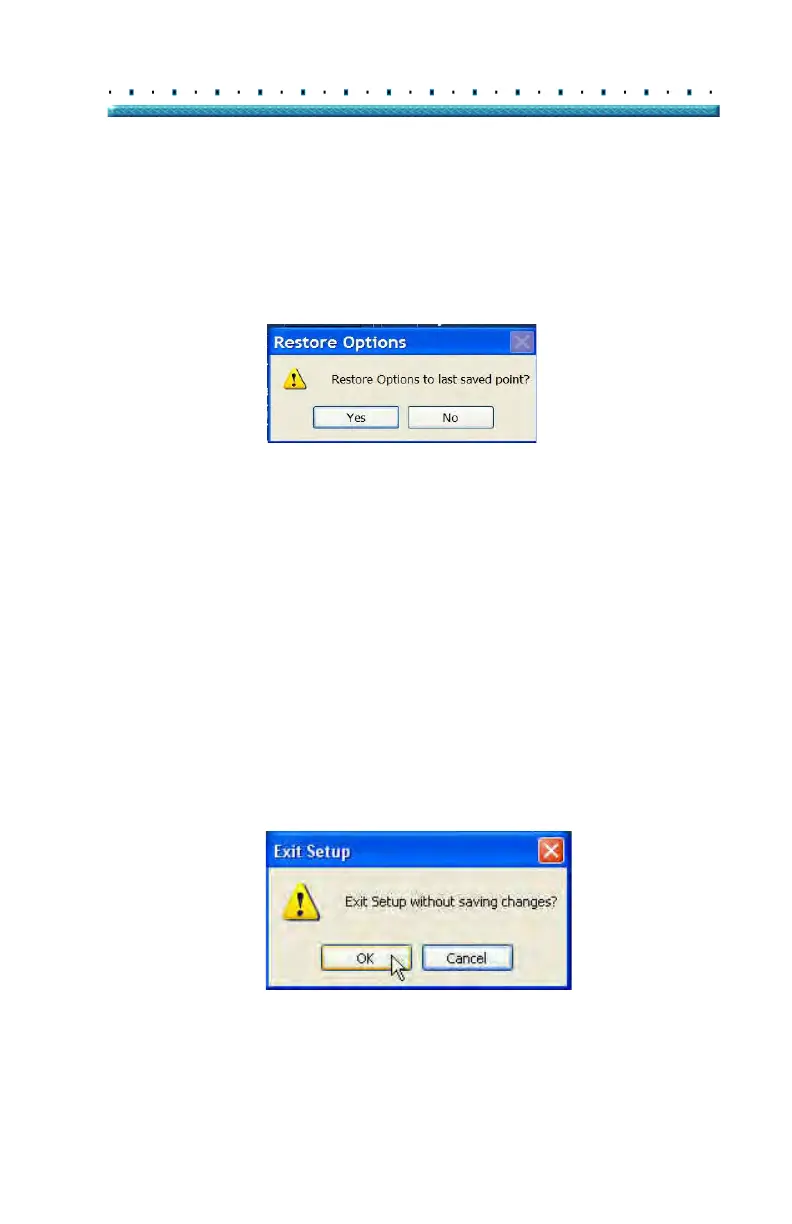
Restore
To restore the previously saved options information:
1. Cli
ck on "Restore".
2. A "Restore Option
s" dialog will launch. Click "Yes"
to revert to the previously saved Options
information.
Figure 64 Restore Options Dialog
Exiting Setup When you want to leave the B-Scan Setup function you
must select one of the following:
Done - Selecting "Done" closes the Setup
window and returns you to the main Accutome
B-Scan Plus Screen.
Cancel - Allows you to reject any changes that
may have been made in Setup. If you select
"Cancel" the dialog box shown in Figure 65
below will launch. Select "OK" if you would
like to cancel all changes made and return to
the B-Sca
n Plus main screen.
Figure 65 Exiting Setup (Cancel)



 To Next Page