EasyManua.ls Logo

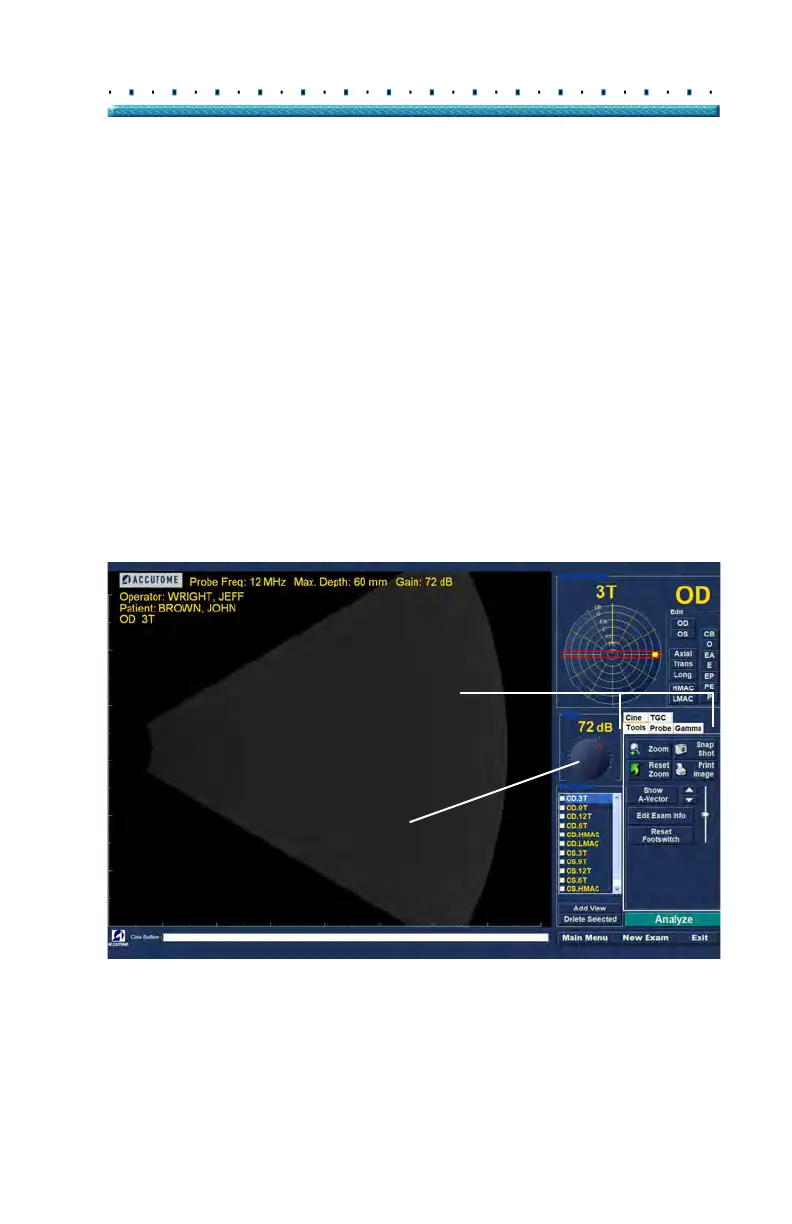
Accutome B-Scan Plus - Exam Screen Features; Figure 82 Exam Screen Layout

Accutome B-Scan Plus
268 pages
Print Icon
To Next Page IconTo Next Page
To Previous Page IconTo Previous Page
Loading...
103
Performing Exams Initial Exam Screen
Exam Screen Features
Upon start of the exam the Accutome B-Scan Plus
launches the Exam Screen. The Exam Screen displays:
Exam Information
Current View
All Views
Tools Palette with Selectable Tabs for Probe
and Scan Controls
TGC Adjustments
Gamma Adjustments
Zoom Controls
Show A-Vector
Edit Exam Info
Analyze
Cine Buffers Display
Menu Buttons
Print and Snap Shot
Figure 82 Exam Screen Layout
Exam Info
Current View
Probe and Scan Controls
All Views
TGC Adjustments
Cine Buffers Display
Scanning Tools
Analyze
Gain Adjustment
Tools and Controls Tabs
Gamma Adjustments
Cine Adjustments/Playback

Table of Contents

Related product manuals