141
Patient Image Analysis Selecting an Existing Exam
Selecting an
Existing Exam
The Analyze Screen will display the current patient exam
if you entered the Analyze Screen by selecting "Analyze"
on the New Exam screen. If you entered the Analyze
Screen from the Main Accutome B-Scan Plus Screen
you need to select an existing exam from the All Exams
drop down list
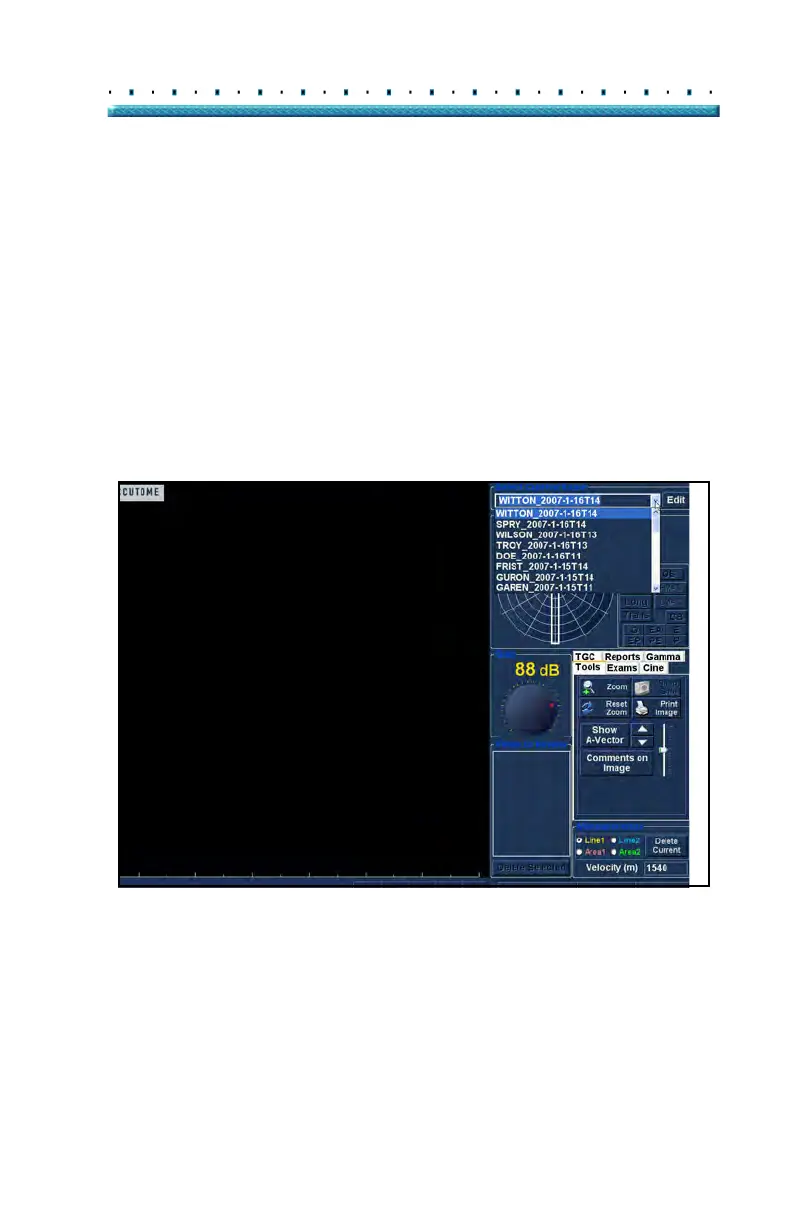
1. Th
e "All Exams" drop down list is located at the
top, right side of the screen. Select the patient
exam for analysis from the list.
Position the cursor on the small arrow at the right
of
the All Exams field. Left click to open the drop
down list. Position the mouse over the up/down
arrows at the right of the drop down list Click the
mouse to move through stored facilities.
Figure 107 Selecting a Patient Exam



 To Next Page