124
Accutome B-Scan Plus User Guide
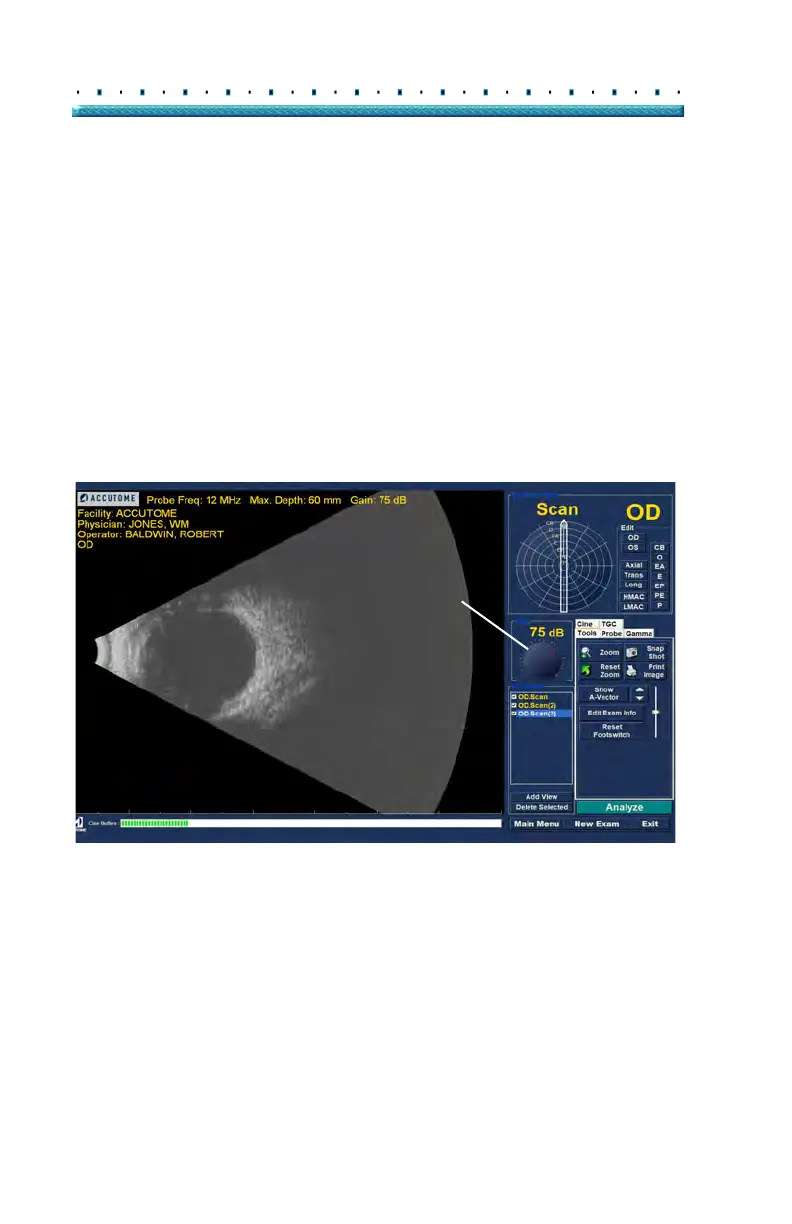
Adjusting the Gain
You may decide the signal gain for your new view is too
strong or not strong enough. To adjust the signal gain:
1. Sele
ct the red dot in the adjustable gain knob with
the mouse cursor.
2. Holding down the left mouse button drag the knob
until you reach the gain value you want.
3. If th
e mouse you are using has a scroll wheel you
can move the wheel instead of dragging the knob
to reach the gain value.
Figure 95 Adjusting Gain



 To Next Page