183
Printing Images and Reports Creating Reports
Create a New Report
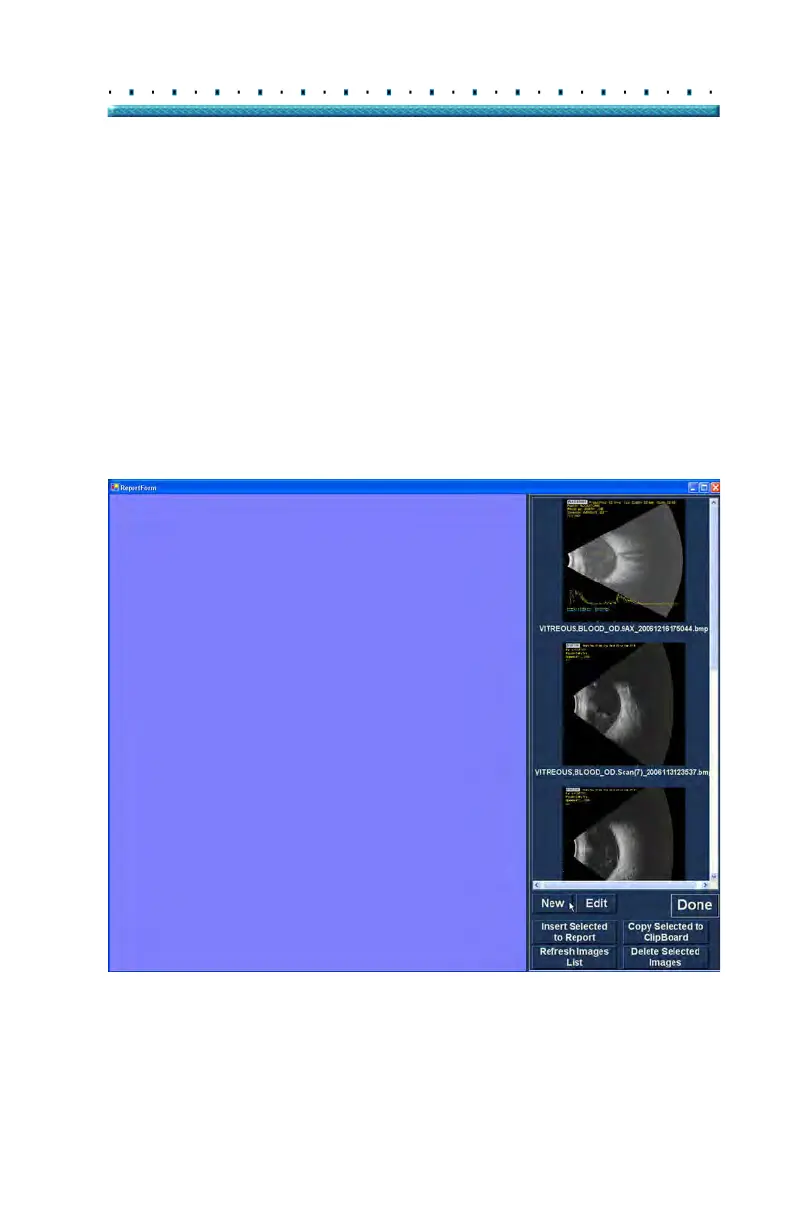
After you execute "Manage Reports" the Accutome
B-Scan Plus launches the Report Form window with the
snapshot list at the right as shown in Figure 142 below.
The Report Form window also contains function buttons
with whi
ch you can save additional snapshots to files,
delete a selected snapshot, or refresh the image list after
making image edits or selections. You will create the
actual report in this window.
To start a new report:
1. Cli
ck on the "New" button as shown in Figure 142
below. The form for reports will display as shown
in Figure 143 on page 184.
Figure 142 Creating a New Report



 To Next Page