181
Printing Images and Reports Creating Reports
Deleting Snapshots
If for any reason you don’t want to keep one of the
patient snapshots the Accutome B-Scan Plus allows you
to simply select the snapshot and delete. The snapshot
file, in the patient’s exam folder will be permanently
deleted providing space on the B-Scan computer to store
more snapshot files.
To delete a snapshot:
1. Sele
ct the snapshot by dragging around it, or click-
ing on it.
2. You can also select multiple snapshots by drag-
ging around several, or by pressing the "Ctrl" key
and
clicking each snapshot you’d like to select.
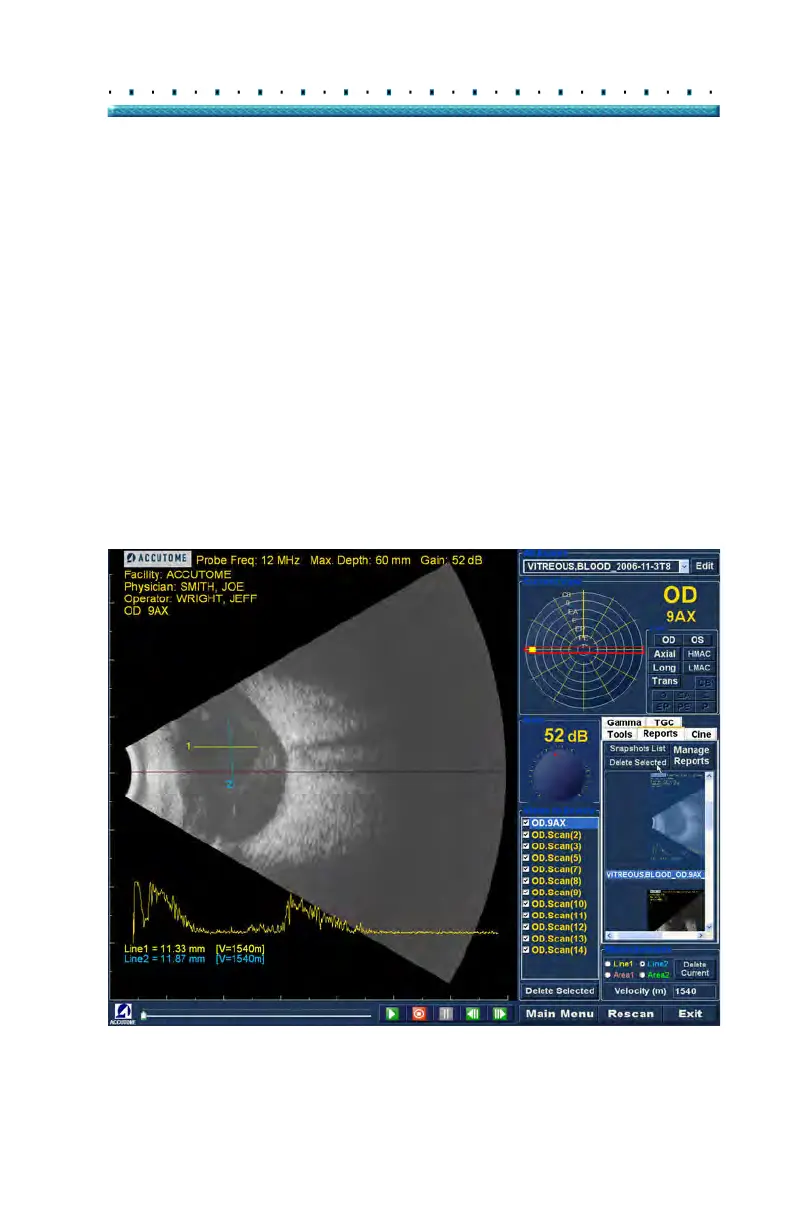
3. When the snapshot(s) you’d like to delete are
selected click on "Delete Selected" as shown in
Figure 139 below.
Figure 139 Deleting a Selected Snapshot from List



 To Next Page