132
Accutome B-Scan Plus User Guide
A-Vector The A-Vector function displays an equivalent A-Scan of
the captured B-Scan Plus image. Looking at the
A-Vector you can get a graphical pi
cture of the echoes
received back through the eye from the ultrasonic probe.
The echoes are represented as spike
s arising from the
baseline and indicate the sound beam travelling through
the different intraocular tissues.
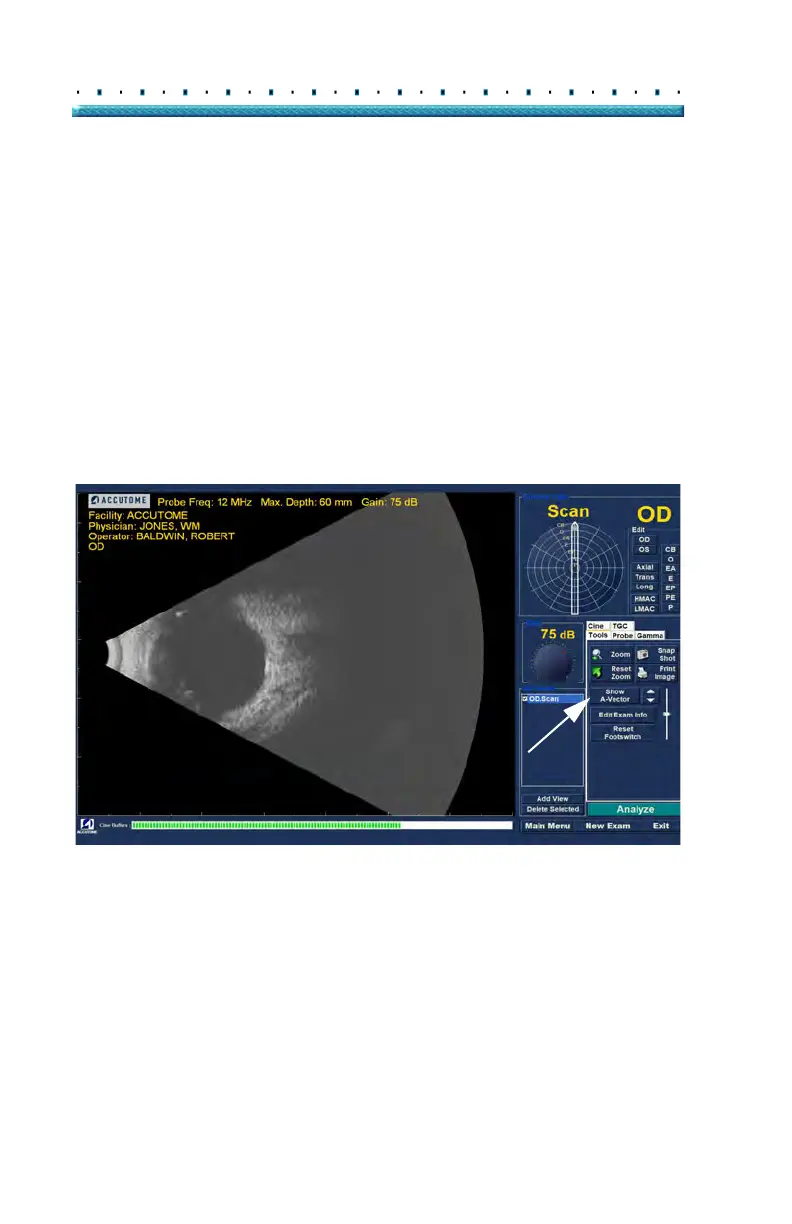
To activate the A-Vector:
1. Sele
ct "Show A-Vector" from the Tools tab as
shown in Figure 102 below.
Figure 102 Selecting "Show A-Vector"



 To Next Page