63
Setup Options
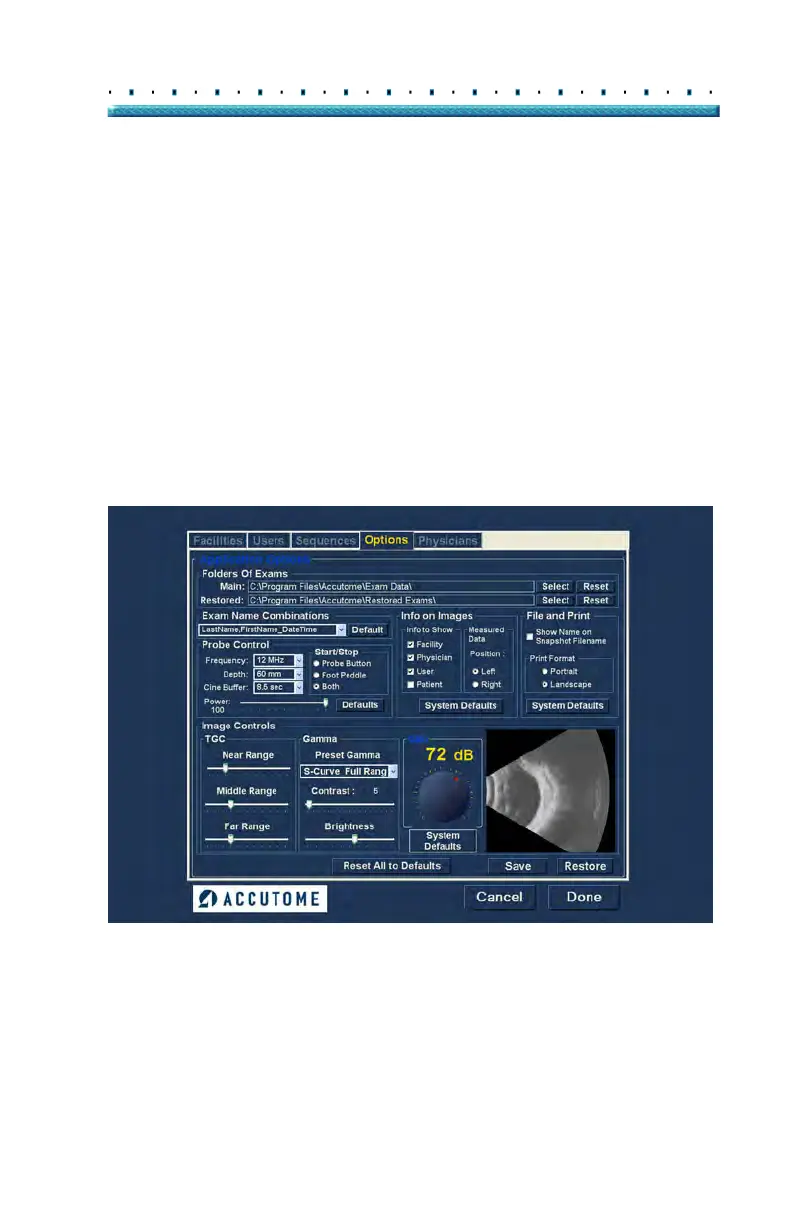
Options The Options tab (and related screen) is the fourth tab
from the left in Setup. The Options screen (see Figure
45 below) allows you to set up optional operational
parameters for the Accutome B-Sca
n Plus application.
The options you can set are:
exam folder
exam name combination
probe controls
Start/Stop controls
information displayed on images and
measurement screen position
filing and printing options
Image Controls - TGC, gamma settings and
gain
Figure 45 Options Screen



 To Next Page