191
Archive and Restore
Overview The Accutome B-Scan Plus makes archiving and
restoring patient exams and their film loops an easy
process. Using the Archive function you can manage all
exam file functions; burn exam film loops to a CD/DVD or
backup exam film loops on a local or network hard drive.
You can also load patient exams from discs, acquire disc
information, verify burn or backup and store reports only
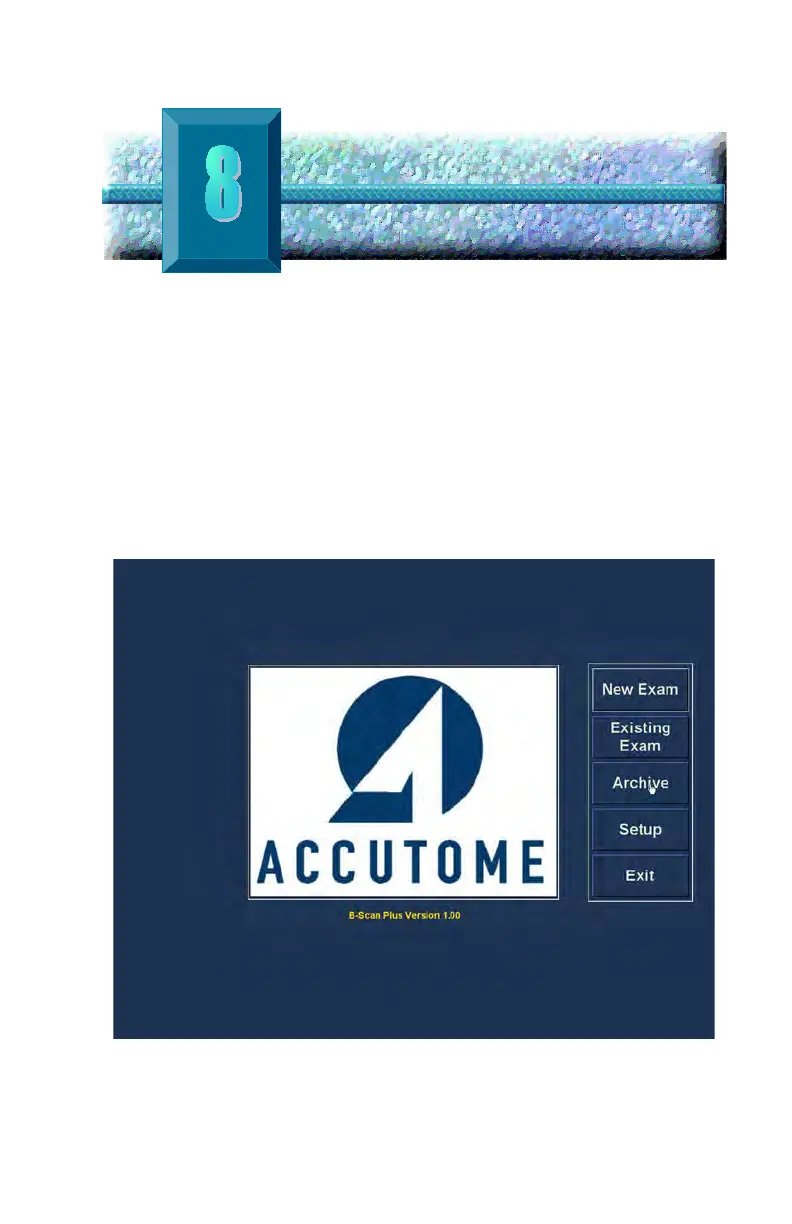
(not entire patient exam). To access the archive function
click on the Archive button in the Accutome B-Scan Plus
main window as shown in Figure 149 below.
Figure 149 Selecting Archive



 To Next Page