199
Archive and Restore Archive to a Local/Net Hard Disk
Archive to a
Local/Net Hard
Disk
The Archive function also gives you the option of backing
up files to a local or network hard disk. The process like
burning a CD/DVD is simple:
1. Sele
ct the patient exams you would like to backup
2. Sele
ct the Backup tool.
3. Select the Destination Folder
4. Selec
t "Backup Exams"
Selecting Patient Exams
When you are backing up patient exams you select them
in the same manner as if you were burning a CD/DVD.
Refer to "Selecting Patient Exams" on page 193 for
instructions.
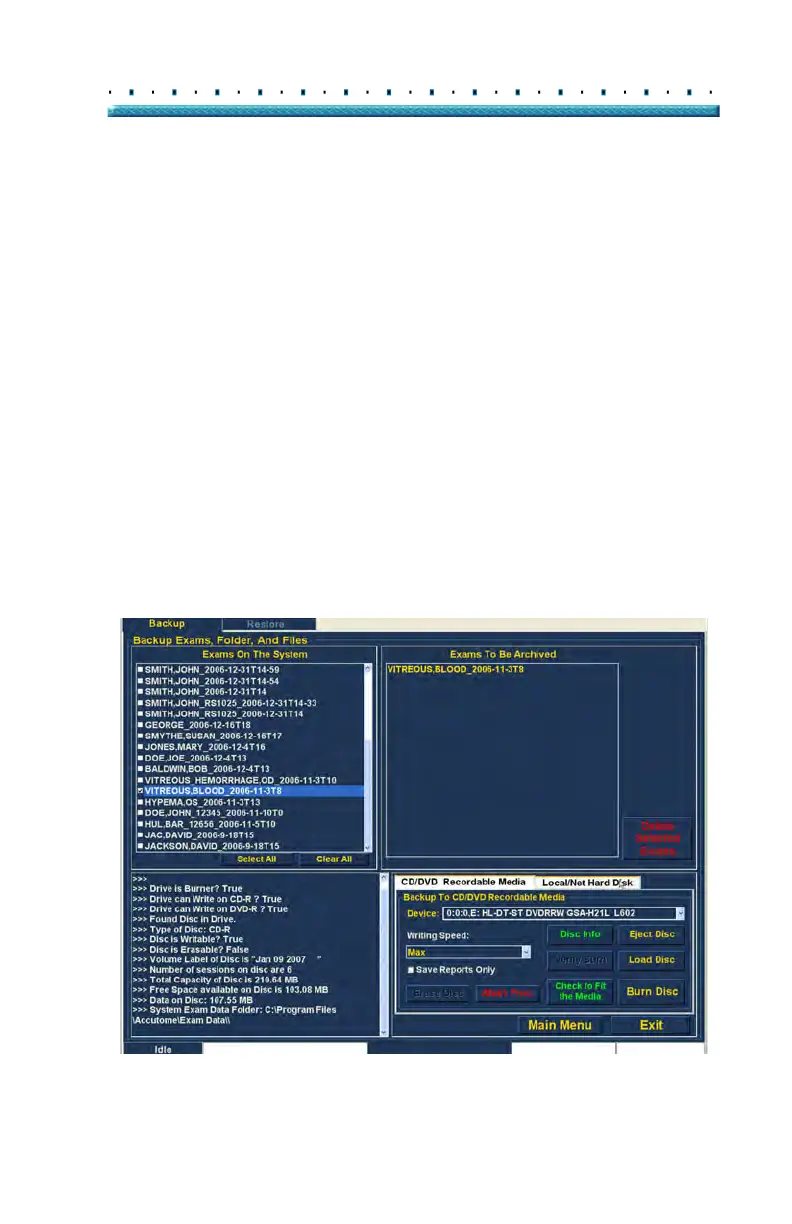
Selecting the Backup Tool
To activate the backup tools:
1. Loca
te the Local/Net Hard Disk tab in the tools pal-
ette.
2. Cli
ck on the tab as shown in Figure 157 below.
Figure 157 Selecting the Local/Net Hard Disk Tools



 To Next Page