46
Accutome B-Scan Plus User Guide
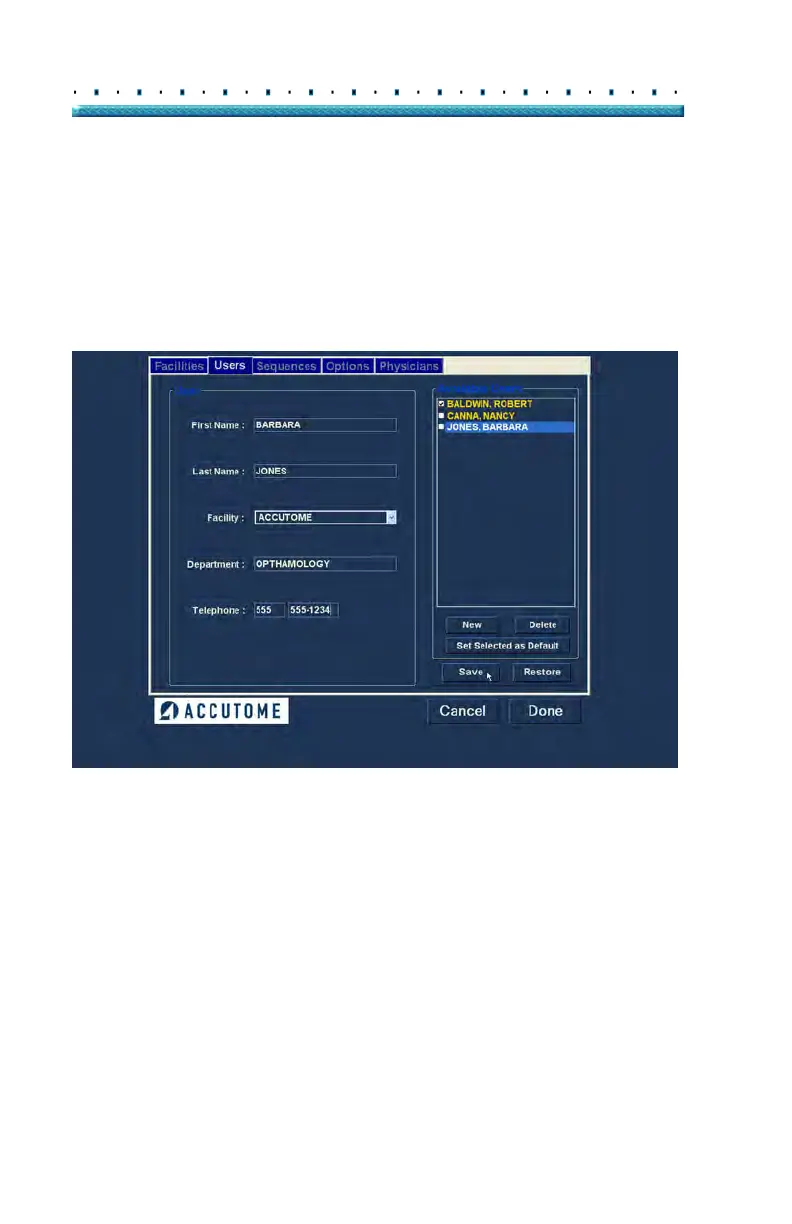
3. After entering all user data click "Save" to save the
information.
4. An "Update Restore Point" dialog will launch. If
you would like to save all changes, and have the
current users setup become the data restore point
click "Yes". If you would like to retain the old data
restore point click "No".
Figure 27 Saving New User
Deleting Users
To delete a user:
1. Sele
ct the user you would like to delete from the
"Available Users" list.
2. Cli
ck on "Delete".
3. The user will be deleted from the list of Available
Users.



 To Next Page