204
Accutome B-Scan Plus User Guide
Additional
Archive
Features
The Archive function provides many other additional
features that allow you to gather information about disc
size and operation, allows you to manage exams, and to
load exams from discs.
Delete Selected Exams
After you have archived patient exams you may want to
delete them to free up computer disk space. The "Delete
Selected Exams" function allows you to permanently
remove a patient exam. To delete selected exams:
1. Select the exam(s) you would like to delete (see
"Selecting Patient Exams" on page 193).
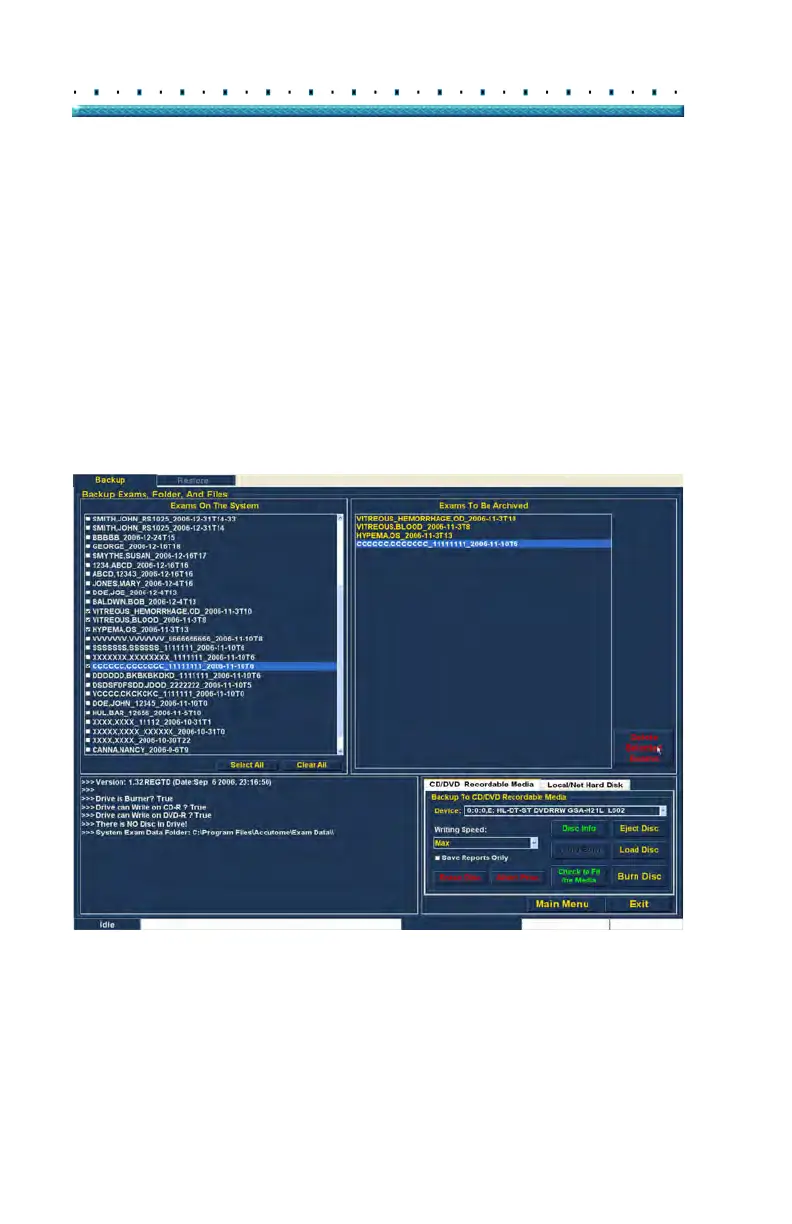
2. Click on "Delete Selected Exams" as shown in Fig-
ure 163 below.
Figure 163 Delete Selected Exams



 To Next Page