39
Setup Facilities
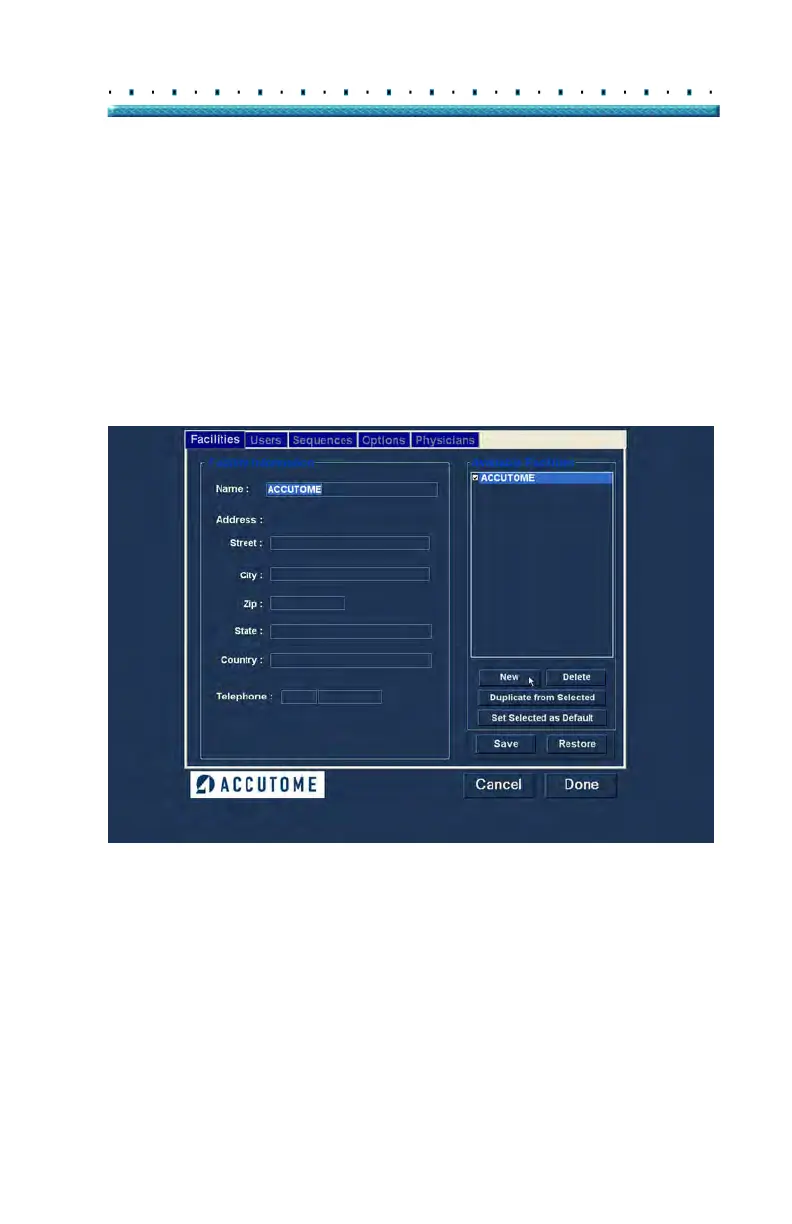
Facilities The Facilities tab (and related screen) is the first tab
displayed upon starting Setup. The Accutome B-Scan
Plus provides the ability to add facilities where exams
will take place. The list of available facilities is displayed
at the right of the screen and command buttons related
to facility functions are located below the list.
How to Add New Facilities
To add a new facility:
1. In the
Facilities screen select "New" as shown in
Figure 20 below.
Figure 20 Selecting "New" Facility



 To Next Page