144
Accutome B-Scan Plus User Guide
To change any text field:
1. Click the mouse cursor in the field.
2. If there is text to remove drag the mouse and
select the text and hit the "Delete" key on the com-
puter keyboard.
3. Place the
mouse cursor In the empty text field and
type the new text.
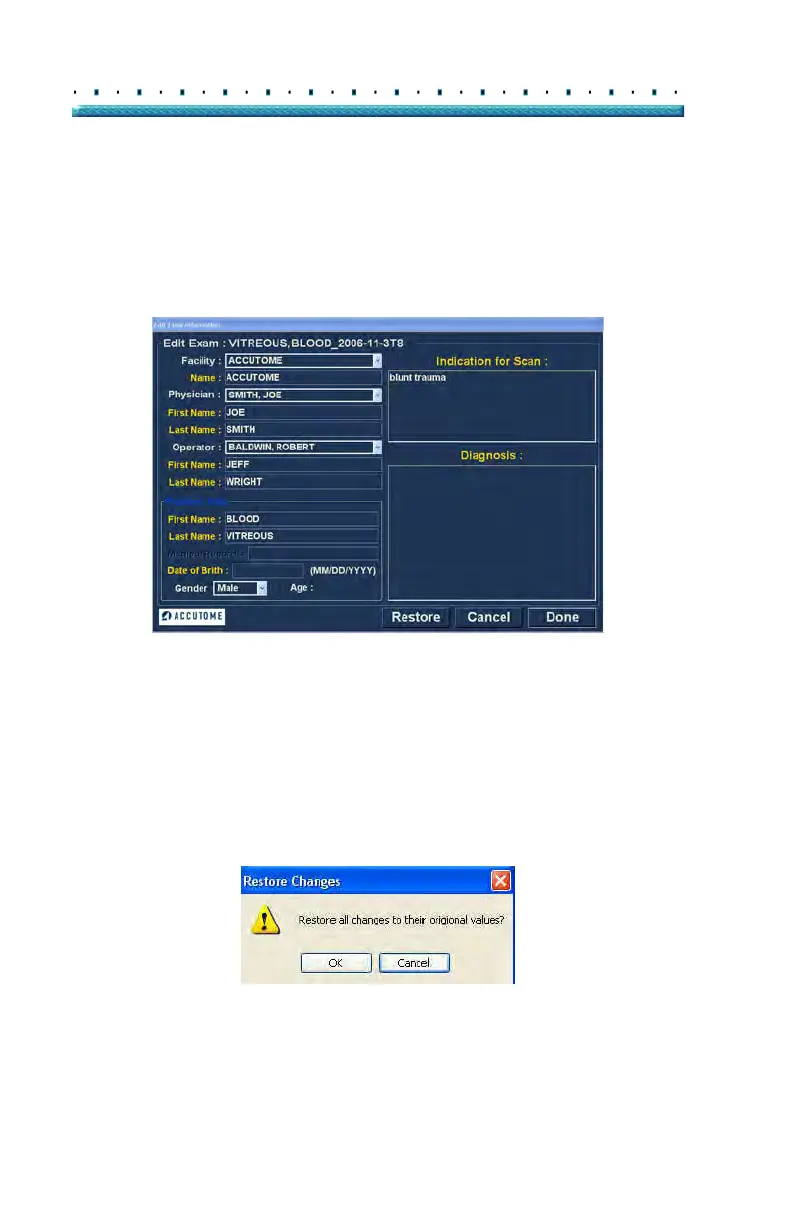
Figure 109 Edit Exam Information Window
Restore
If you have made any changes in the Edit Exam
Information and would like to restore the information to
the previous state click on "Restore". The dialog
displayed in Figure 110 below will launch. If you would
like to restore the information click "OK
", if not click
"Cancel"
Figure 110 Restore Changes Information Dialog



 To Next Page