48
Accutome B-Scan Plus User Guide
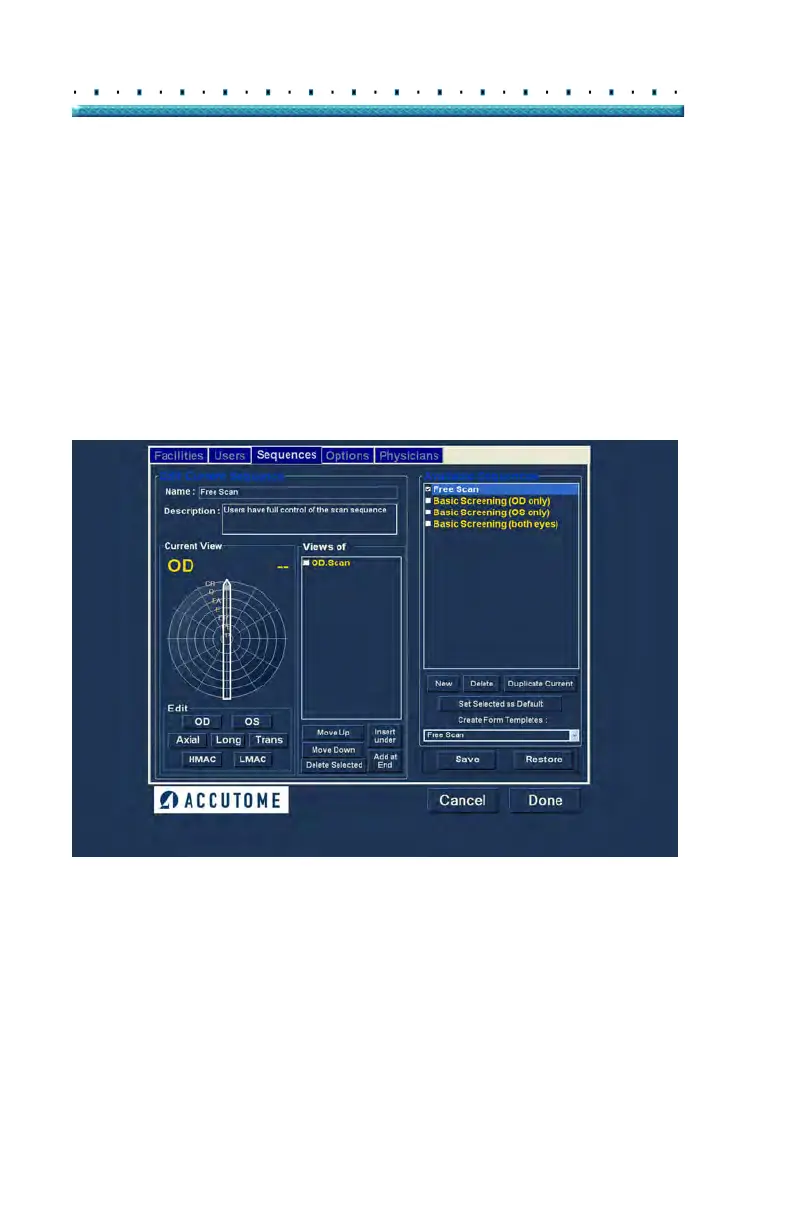
Sequences The Sequences tab (and related screen) is the third tab
from the left in Setup. The Sequences screen (see
Figure 30 below) allows you to set up operational
protocols for the Accutome B-Scan Plus. A Sequence is
th
e series of predefined scans with labelled views, scan
methods and positions that are executed during B-Scan
diagnostic imaging. A Sequence is defined by the
following:
Number of scans (or views)
Eye being scanned -OD/OS during each scan
Probe scanning method for each scan
Probe position for each scan
Figure 30 Sequences Screen
How to Create Sequences
The process for creating sequences consists of:
1. Addi
ng a new sequence
2. Adding scans for the sequence
3. Defining each scan



 To Next Page