160
Accutome B-Scan Plus User Guide
How to Use
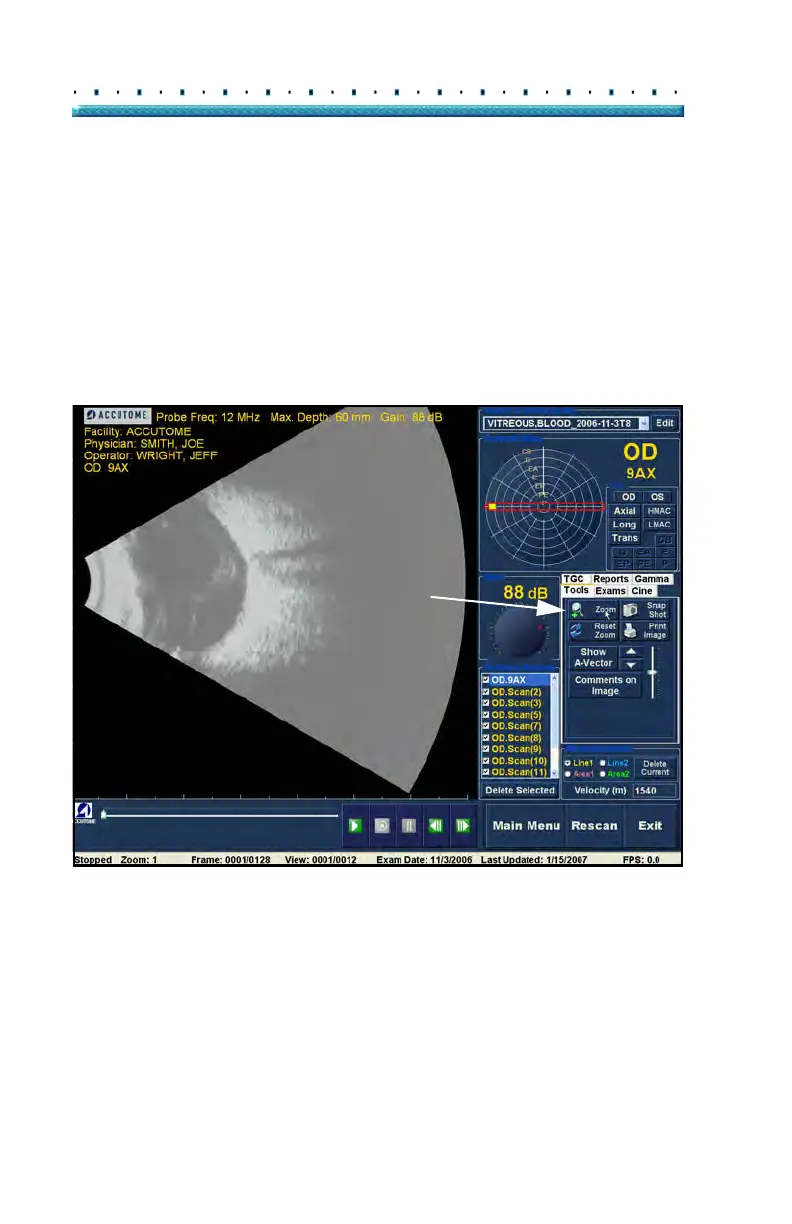
Zoom
To access the Zoom feature click on the "Tools" tab from
the Tools palette. The zoom feature allows you to zoom
in on a selected patient image. Zoom proportionally
expands the image and fills the B-Scan screen. Zoom
has preset values that increment by steps of .2 from 1.2
to 8; e.g. 1, 1.2, 1.4, 1.6, 1.8, 2.0 etc., up to 7.99
To use the Zoom feature:
1. Cli
ck the "Zoom" selection.
2. Continue clicking until the image is zoomed at the
appropriate level.
Figure 124 Zoom Selected



 To Next Page