95
Performing Exams Initial Exam Screen
Gender
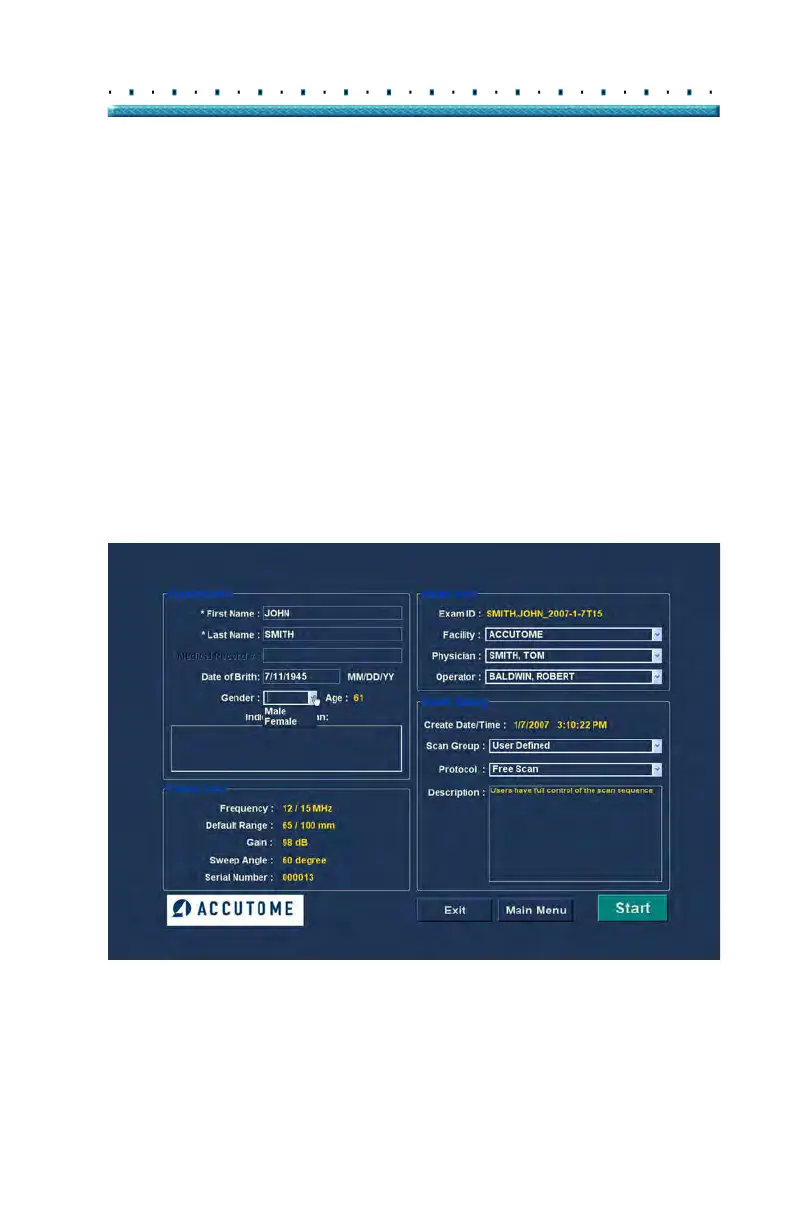
The gender field provides a drop down to select either
Male (M) or Female (F) as shown in Figure 75 below.
Gender is not a required entry.
Position the cursor on the small arrow at the right of the
gen
der field. Left click to open the drop down list.
Position the mouse over the up/down arrows at the right
of the drop down list Click the mouse to move through
gender. Select M or F by positioning the mouse cursor
and left clicking.
Indication of Scan
The Indication of Scan field in the Patient Info area can
be edited with any information related to patient’s scan.
To add information, click in the field and type.
Figure 75 Selecting Gender



 To Next Page