196
Accutome B-Scan Plus User Guide
Clear All
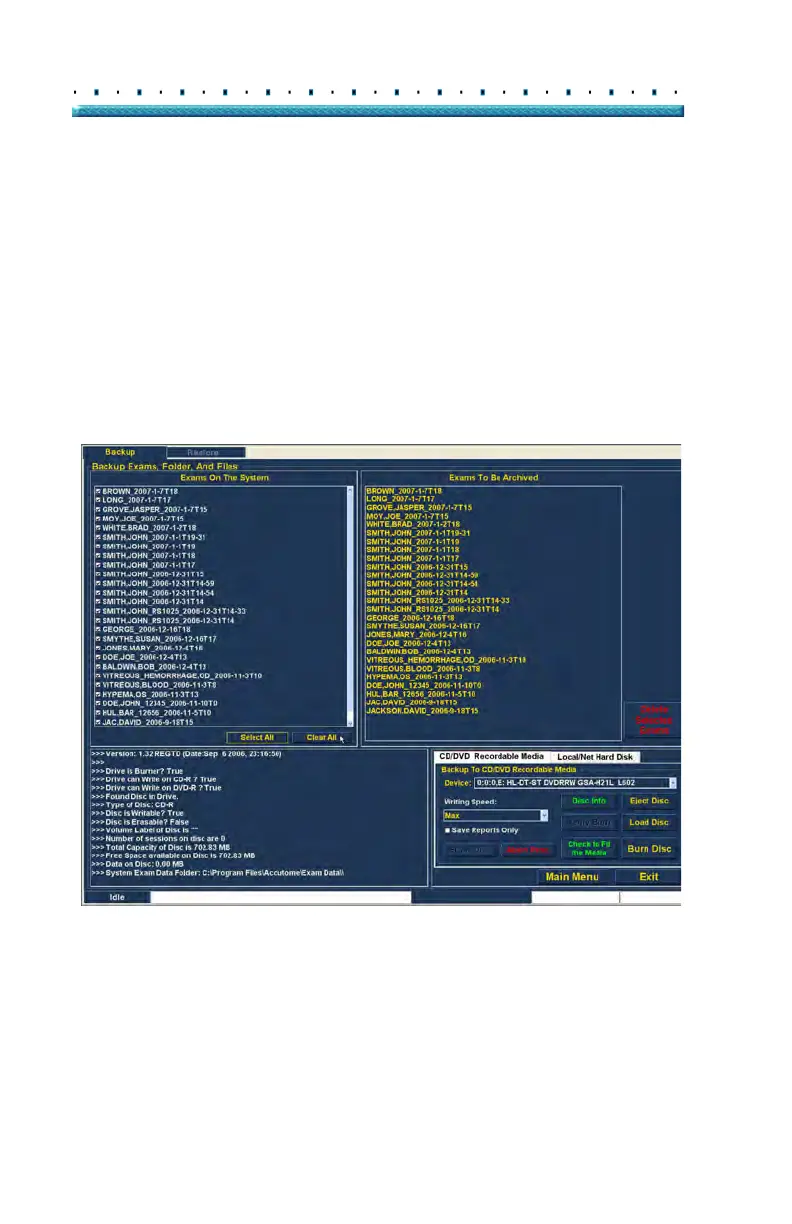
If you don’t want to archive all system exams you can
individually de-select the exams you don’t want to
archive by clicking in the checkbox or on the exam name
or you can clear all the exams from the list to be
archived.
To clear all selected exams from the archive list:
1. Cli
ck on "Clear All" as shown in Figure 154 below.
The "Exams To Be Archived" list will be emptied.
Y
ou can then individually select the exams if
wanted.
Figure 154 All Exams Displayed - Clear All



 To Next Page