187
Printing Images and Reports Creating Reports
Print or Save Report
Once you have completed the report you can print and/
or save the report to keep a copy.
To print the report:
1. Click on the Windows printer icon in the Report
Form toolbar.
2. Th
e report will print to the printer connected to the
Accutome B-Scan Plus computer
To save the report:
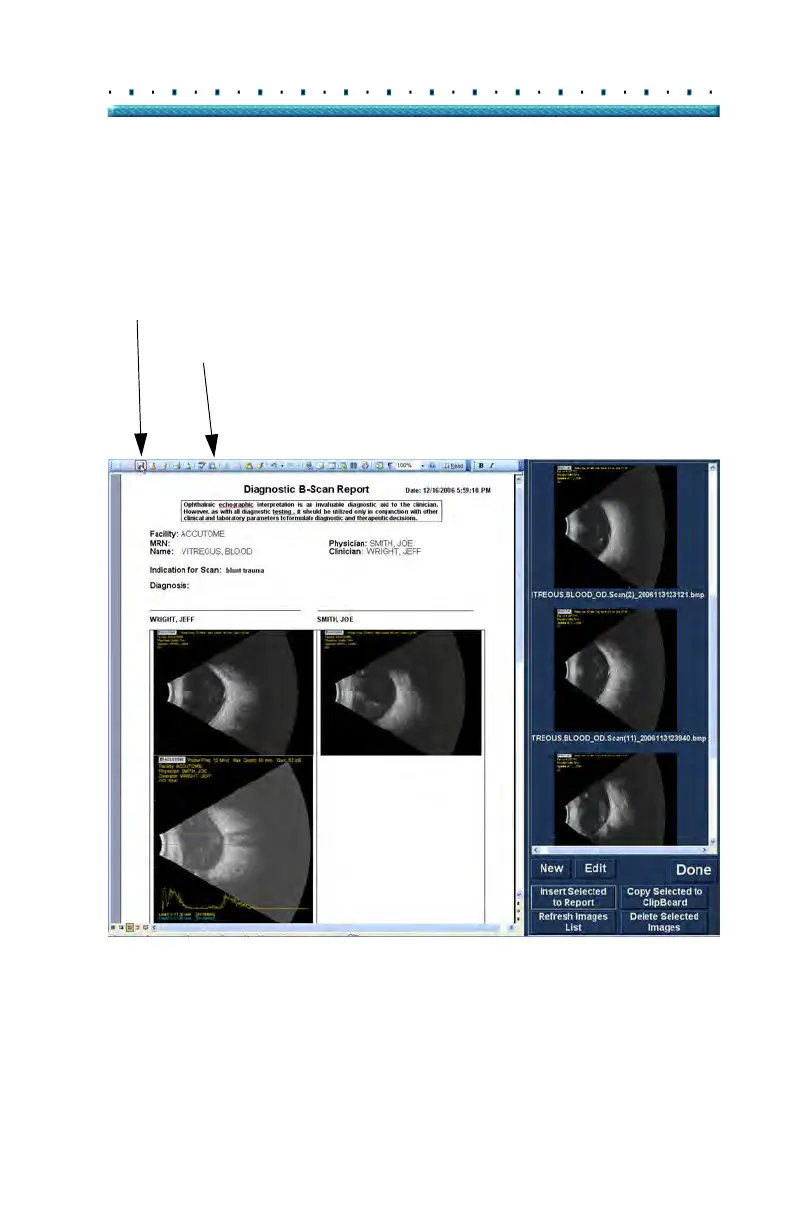
1. Click on the Windows save icon as shown in Fig-
ure 146 below.
Figure 146 Saving a Patient Report
Save
Paste



 To Next Page