87
Setup Physicians
Set Selected Physician as Default
To set a physician as the default B-Scan Plus operation:
1. Sele
ct the physician you would like to become the
default from the "Available Physicians" list.
2. Cli
ck on "Set Selected as Default".
3. The physician will become the default to appear
when you power up the Accutome B-Scan Plus.
Save
To save all physician information:
1. C
lick on "Save".
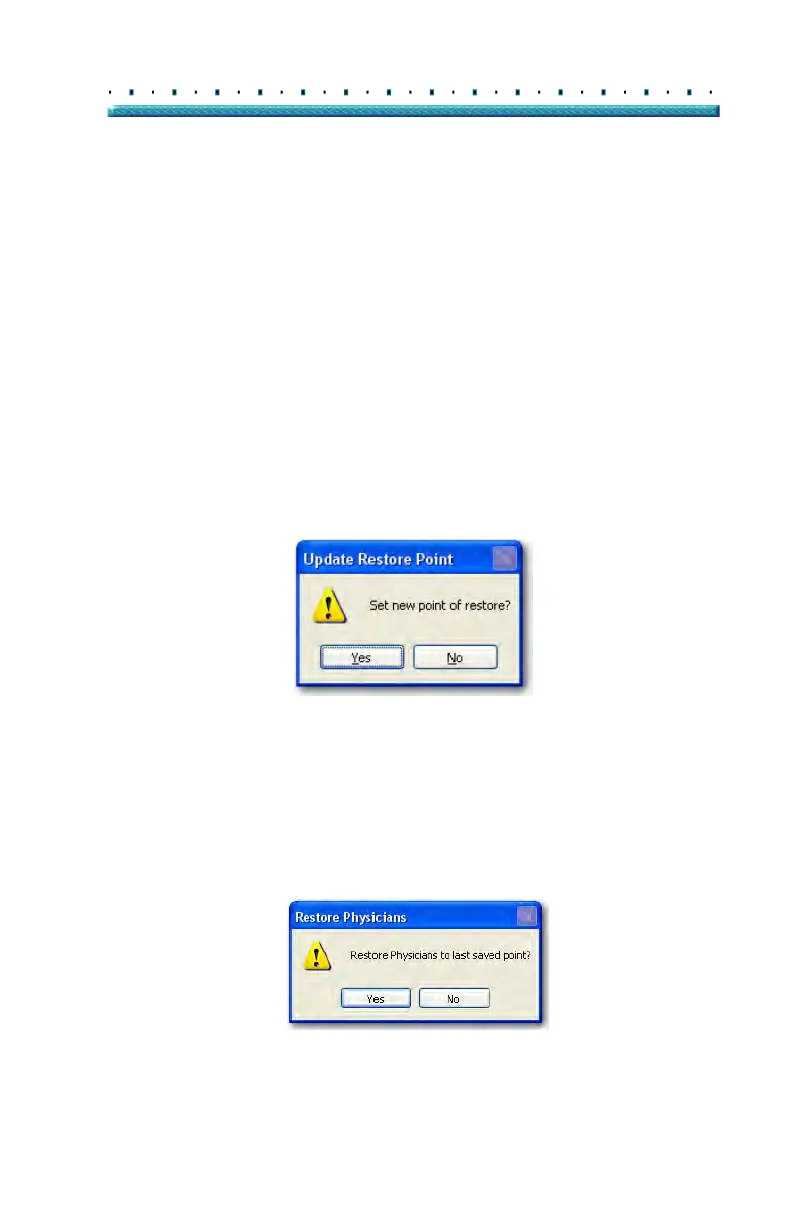
2. An "Update Restore Point" dialog will launch. If
you would like to save all changes, and have the
current physicians setup become the data restore
point click "Yes". If you would like to retain the old
data restore point click "No".
Figure 69 Update Restore Point Dialog
Restore
To restore the previously saved Physician information:
1. Cli
ck on "Restore".
2. A "
Restore Physicians" dialog will launch. Click
"Yes" to revert to the previously saved Physician
information.
Figure 70 Restore Physicians Dialog



 To Next Page