135
Patient Image
Analysis
Overview The Accutome B-Scan Plus provides many features for
high quality, personalized, image capture and analysis.
You can perform image analysis with Accutome B-Scan
Plus during an exam or later, on a saved, existing exam.
Selecting
Images for
Analysis
There are two methods of selecting an image for
analysis:
1. In
the New Exam Screen by executing "Analyze"
after a patient exam has been scanned.
2. By sele
cting a saved Existing Exam and displaying
it in the Analyze Screen.
How to Select an Existing Exam
To select an existing exam:
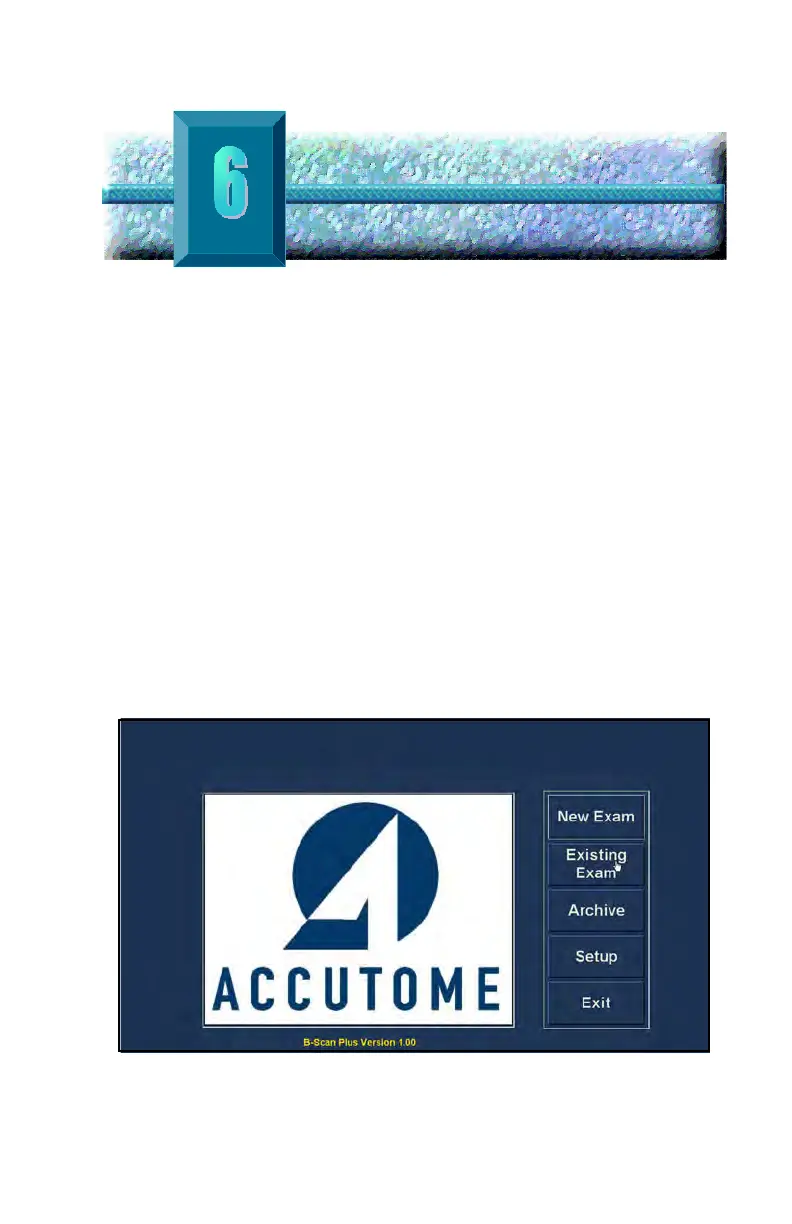
1. In the Accutome
B-Scan Plus top level, Main
Screen select "Existing Exam" as shown in Figure
104 below.
Figure 104 Starting Existing Exam



 To Next Page