166
Accutome B-Scan Plus User Guide
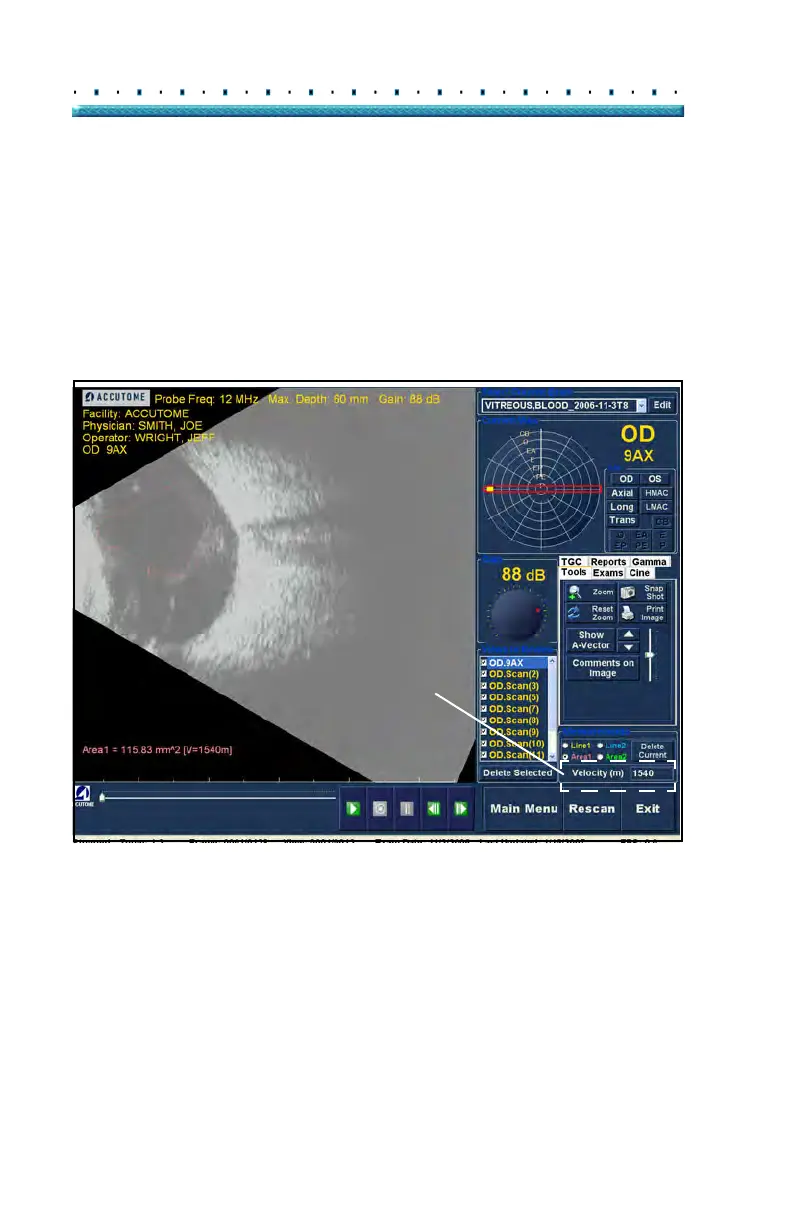
2. Right click on the image and drag the outline of the
area on the image you would like to measure.
3. The measurement will be displayed on the screen
as shown in Figure 130 below.
4. Y
ou can change the velocity of the sound to reflect
the density of the tissue being measured. Click in
the Velocity field. Select the velocity by holding
down the left mouse button and dragging the
value. Press the keyboard "Delete" key and type in
the new value for the velocity.
Figure 130 Area 1 Measurement Displayed
Delete Current
When you click on "Delete Current" the current, active
measurement will be deleted from the Analyze Screen.



 To Next Page