163
Patient Image Analysis How to Take a Measurement on an Existing
How to Take a
Measurement
on an Existing
Image
The Analyze Screen provides the diagnostic feature of
making measurements on a B-Scan Plus image. You can
measure on a zoomed image; you get much finer
resolution of the measurements. Measurements as
small as .1 mm can be easily taken. There are four
separate measurements you can take:
Line 1
Line 2
Area 1
Area 2
Measurement Types
The B-Scan Plus provides for two line, or distance
measurements and two area measurements. You can
display all four measurements on the screen
simultaneously.
Taking Distance Measurements
To take a distance measurement:
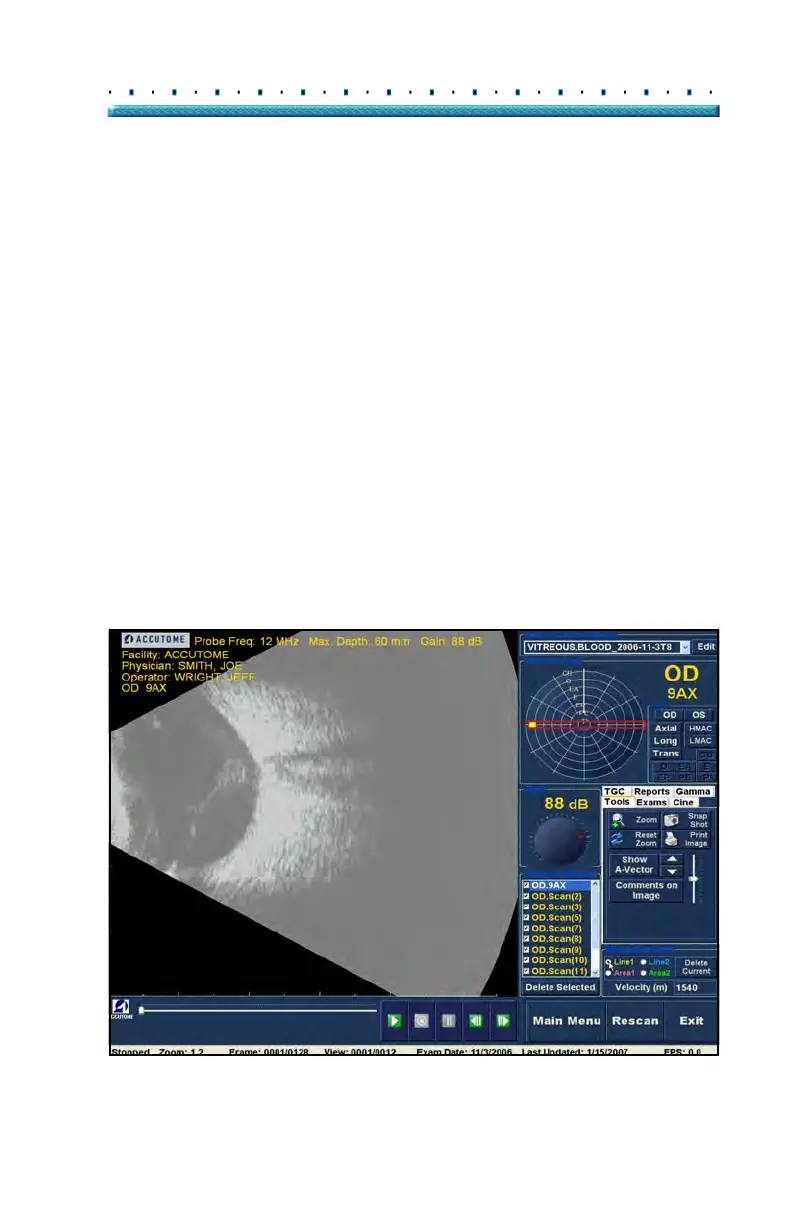
1. Sele
ct either Line 1 or Line 2 in the Measurements
area as shown in Figure 127 below.
Figure 127 Line 1 Measurement Selected



 To Next Page