179
Printing Images and Reports Creating Reports
Reports Tool
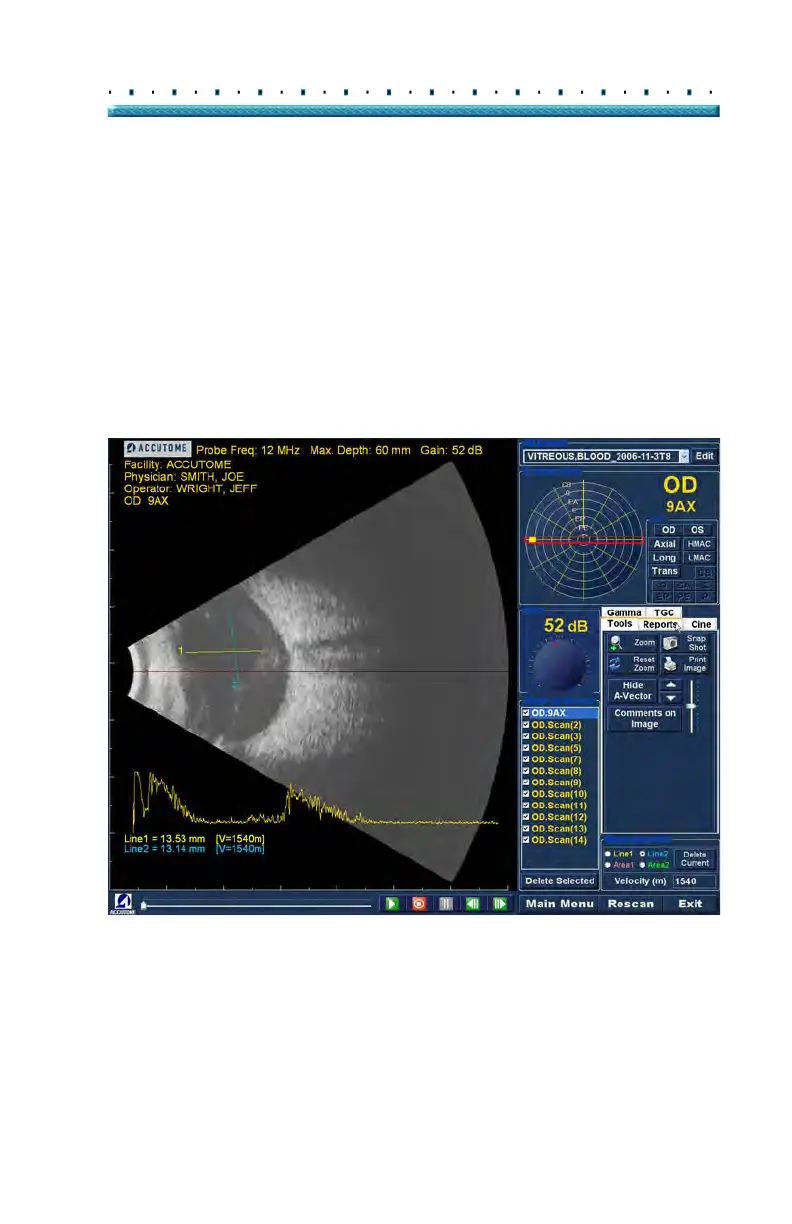
When you are ready to create a report select the
"Reports" tab from the tools palette as shown in Figure
137 below.
The Reports tools has three function buttons:
Snapshot List - displays all available
snapshots for the active patient
Manage Reports - launches the manage
reports window
Delete Selected - deletes snapshot(s) selected
from the snapshot list.
Figure 137 Selecting Reports Tool



 To Next Page