180
Accutome B-Scan Plus User Guide
Snapshot List
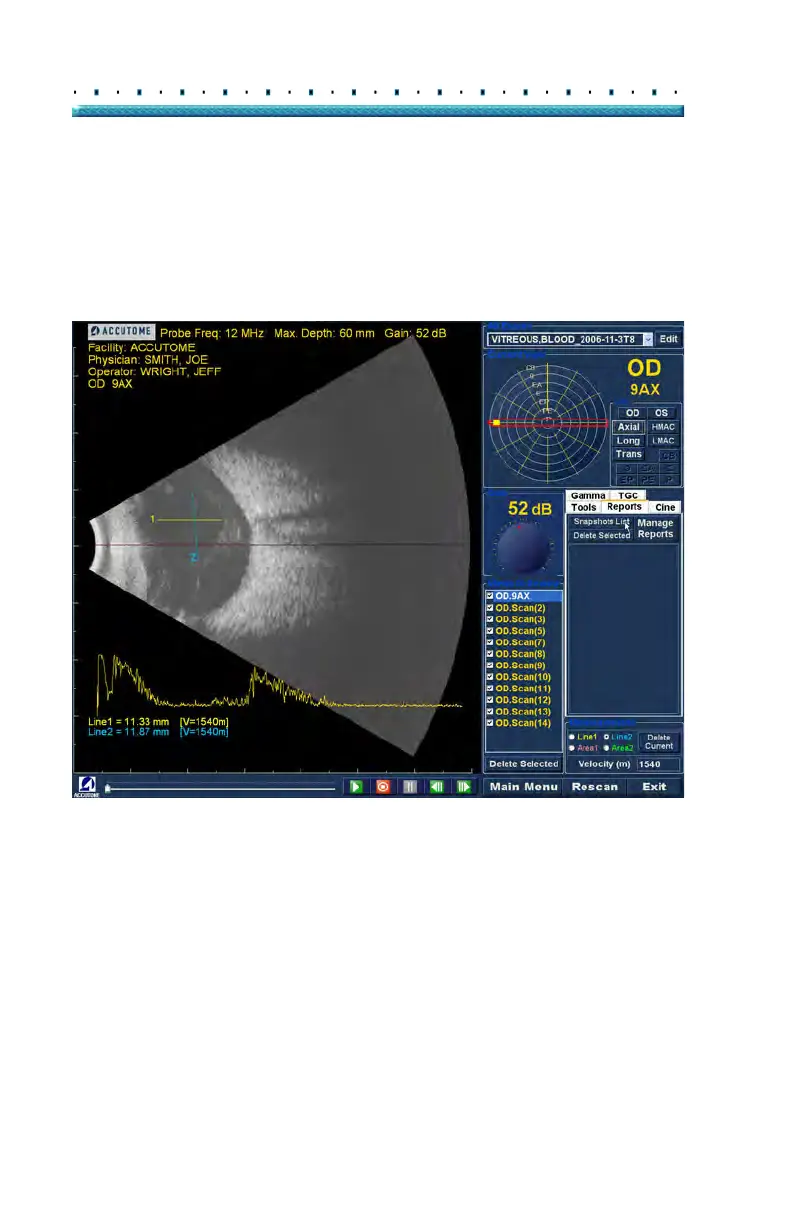
To display all snapshots available for the active patient:
1. Cli
ck on "Snapshots List" as shown in Figure 138
below.
2. All snapshots will be displayed in the panel below
the reports tool buttons.
Figure 138 Selecting Snapshot List



 To Next Page