162
Accutome B-Scan Plus User Guide
How to Move
Image
After you have made adjustments to the size of the
image you may want to move the image around on the
screen to view different portions of the eye. It is simple
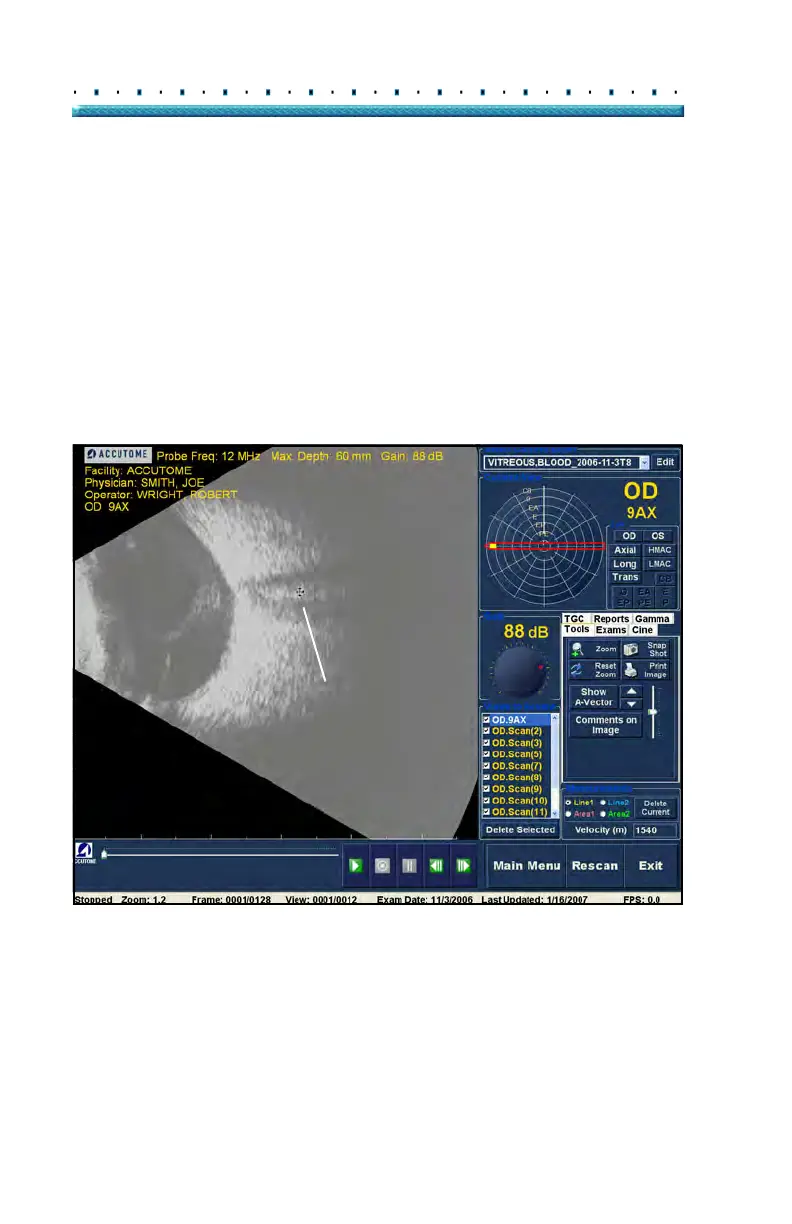
to move images in the Accutome B-Scan Plus. Place the
Windows mouse cursor over any location on the image
and notice the cursor become a small cross (small
+).
Then hold down the mouse button and the
+ becomes
directional compass. Holding the mouse button down
and moving the mouse causes the image to move. The
image move icon is shown in Figure 126 below.
1. Move th
e icon and the image will move in the
same direction.
Figure 126 Image Move Icon



 To Next Page