164
Accutome B-Scan Plus User Guide
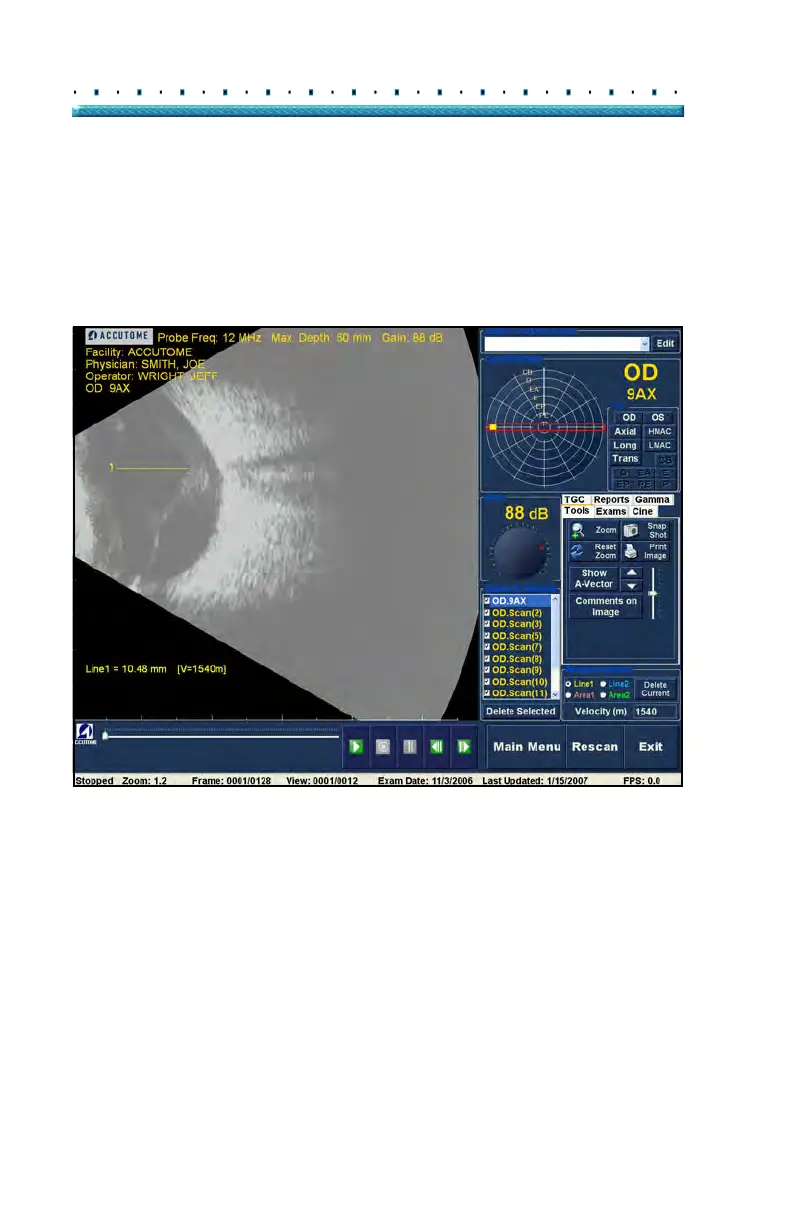
2. Right click and hold on the image at the starting
point of the measurement, and drag the line along
the length of the feature you would like to mea-
sure.
3. Th
e measurement will be displayed on the screen
as shown in Figure 128 below.
Figure 128 Line 1 Measurement Displayed



 To Next Page